Features › Safari and Chrome
Macros that run in the page, and any web page as rows
Switchboard has a small extension for Safari and Chrome, and for Arc, Brave, Edge and Vivaldi. A page can start a macro, a macro can change the page, and a macro can scrape a list into rows or watch a page for a change. Chrome takes the extension unpacked until Switchboard is on the Web Store, so for now you turn on Developer mode and load a folder.
Coming soon See pricing
What it does
You want one site in dark mode, without the white flash on every load.
A macro that starts when the page is loading and injects CSS is applied by the browser itself before anything is drawn, even with Switchboard quit. The editor marks it Runs instantly in the page. That only holds for CSS and HTML with no variables.
A button on a page should save the page’s address to a list.
Code Switchboard puts in the page calls switchboard.run(“Save to list”, { url }) and gets the macro’s result back. It reaches only macros you switched on under Callable from pages, and only from the pages you listed. Anything else is refused and shows in Activity as “not fired”.
You want every result on a search page in a spreadsheet.
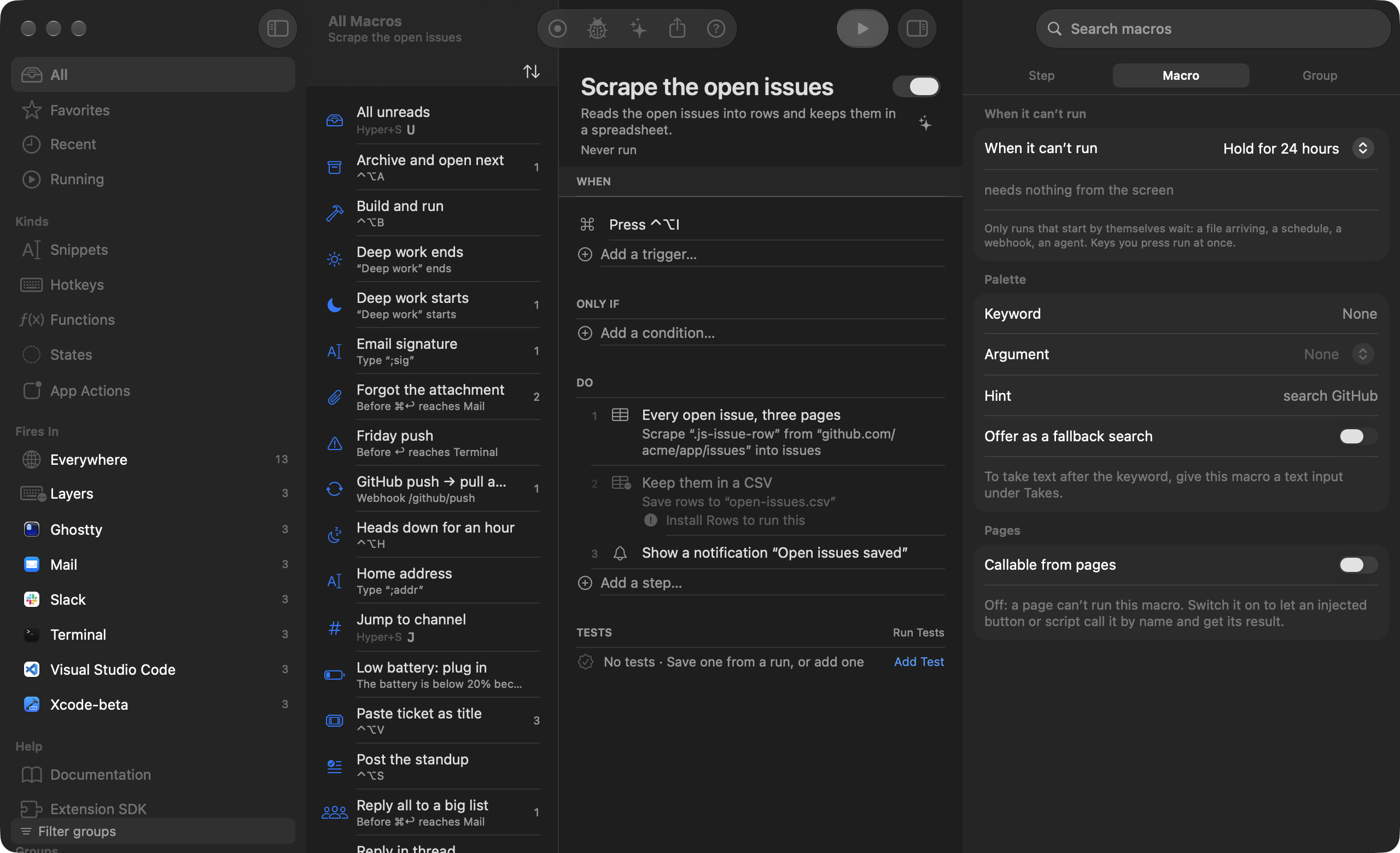
Pick Rows in Browser: click one result and the rest light up, click inside it to name a column, click Next for more pages. A live preview shows the rows with prices and dates read properly. They save as CSV, Markdown, JSON or JSON Lines, or paste into Numbers.
A price should tell you when it drops.
Right-click the page and choose Watch this for changes, or use Watch This Page in the palette. Switchboard checks on a schedule with no tab open, and the same trigger catches a product back in stock or a site that went down. If a scrape that used to find rows finds none, the layout changed, and Activity shows Repair Fields with AI.
A site refuses your script’s request before it sends anything.
A fetch presents the handshake and headers of a current Chrome or Safari, and it can carry a saved sign-in from Settings ▸ Sign-ins. The cookies stay in your Mac’s Keychain, and a macro holds only the sign-in’s name. Switchboard solves no CAPTCHA and rotates no proxies, so a site that sends a challenge fails the step. Setting via: tab reads the page in your own browser instead.
How it works
- Open Settings ▸ Browsers and follow your browser’s row. Safari’s extension is inside Switchboard.app; in Chrome, turn on Developer mode and choose Load unpacked.
- For your own JavaScript in Chrome, also turn on Allow User Scripts in the extension’s Details. Without it, CSS, HTML, triggers and page buttons still work, and JavaScript runs through AppleScript a moment after the page loads.
- Start a macro from a Browser trigger, or right-click a page and choose Scrape this list… or Watch this for changes…, which each make a finished macro you can open. chrome:// pages, the Chrome Web Store and Safari’s start page don’t allow extensions, and private windows stay off until you allow them.
Read the docs
- Safari and ChromeConnect your browser to Switchboard, then start macros from pages, change pages, and let page buttons run macros and get the result.
- A page loads, changes or closesRuns the macro when a page in Safari or Chrome starts or finishes loading, changes its address, comes to the front, closes or fails.
- An element appears on a pageRuns the macro when an element appears, disappears or changes on a page, such as a button, a banner or a price.
- A web page changesChecks a page on a schedule and runs the macro when its text, a price, a feed or a list changes, such as a price drop or a new listing.
- Put CSS, HTML or JavaScript in the pagePuts CSS, HTML or JavaScript into a web page, now or for a whole site, with the page API for talking back.
- Scrape a page into rowsTakes every item on a page as a row (fields, numbers, dates, pagination), from a tab you never look at or from a plain fetch.
- Save rows to a file or the clipboardWrites a list of rows as CSV, TSV, JSON, JSON Lines or a Markdown table, or puts them on the clipboard as a table.