Facts, screenshots and the icon for writing about Switchboard. Everything here may be reproduced. Ask for anything missing.
About Switchboard
Switchboard is a Mac automation app that replaces the drawer of utilities a power user pays for separately: hotkey macros, gestures and key remaps, a launcher with snippets and clipboard history, folder rules and a selection bar. It imports libraries from 13 apps, including Keyboard Maestro, BetterTouchTool, Alfred, Raycast and Hazel, so people test their own automations during the 30-day trial. It also does four things no other utility does: a guardrail that runs before a key reaches the app, clicks that find the UI element again, a trace and a reason for every event that did or didn't fire, and an MCP server through which Claude Code or any agent runs macros under the user's approval. Made by Kyle Carson. macOS 26, sold direct, $59 once or $12 a month.
Facts
macOS 26 only; iPhone and Watch companions on iOS 26 and watchOS 26
Imports from 13 apps and macOS text replacements
30-day trial with everything on, no card, no account
$59 once with a year of updates ($29 renews a year); Everything $12 a month with the AI allowance; Founder $99 for the first 300
Sold direct, notarized by Apple, updates itself; not in the Mac App Store because the sandbox removes event taps, accessibility and the shell
No telemetry in the app; the website keeps first-party cookieless counts
Macros are plain text files; extensions run in a sandbox
Pricing
Buy once
$59
one time, yours forever
Everything
$12/month
cancel any time
Founder
$99
one time, for life
The author
Switchboard is made by one person, Kyle Carson. I built it because I was paying for seven utilities that overlapped and none of them could tell me why a hotkey didn’t fire.
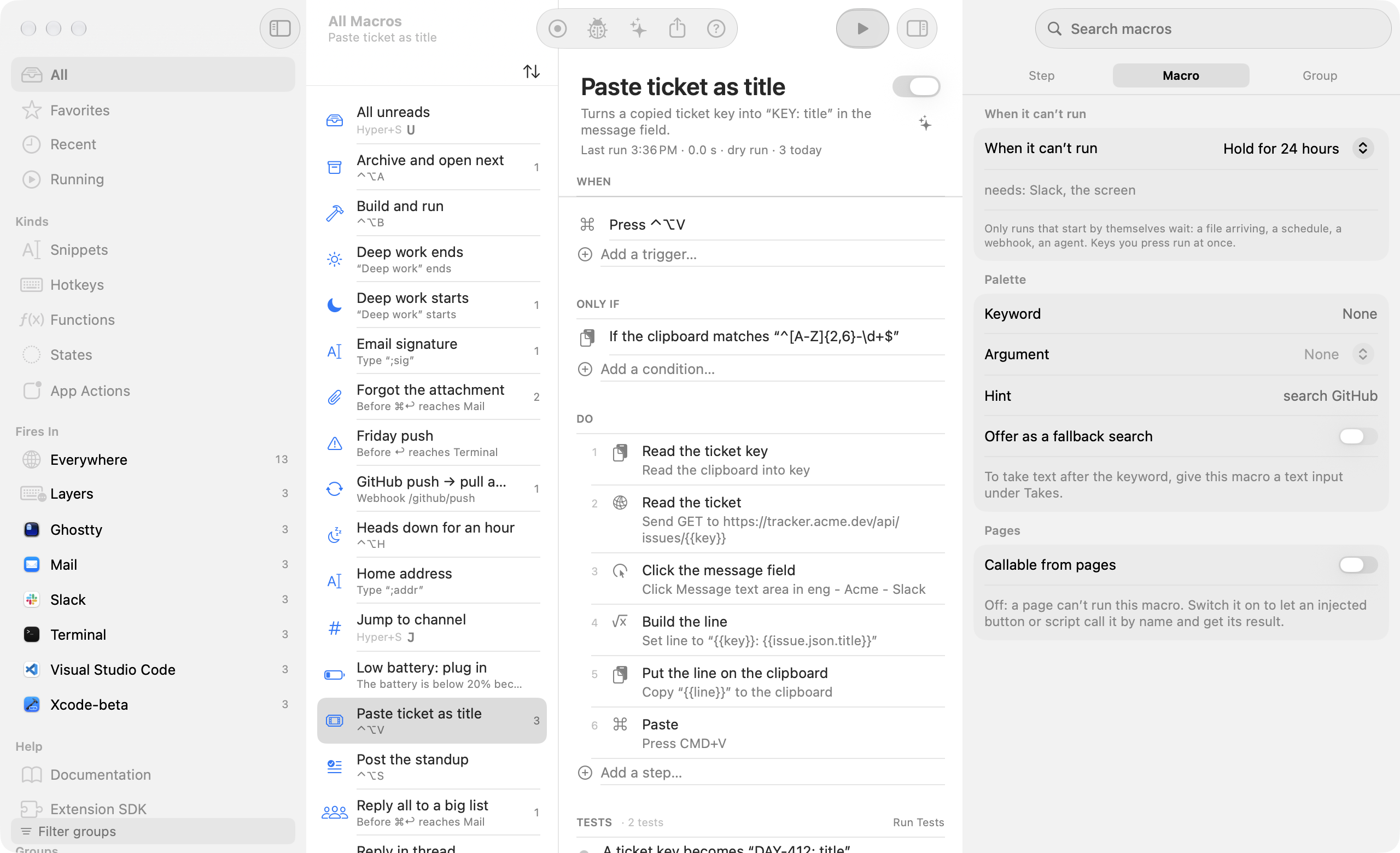
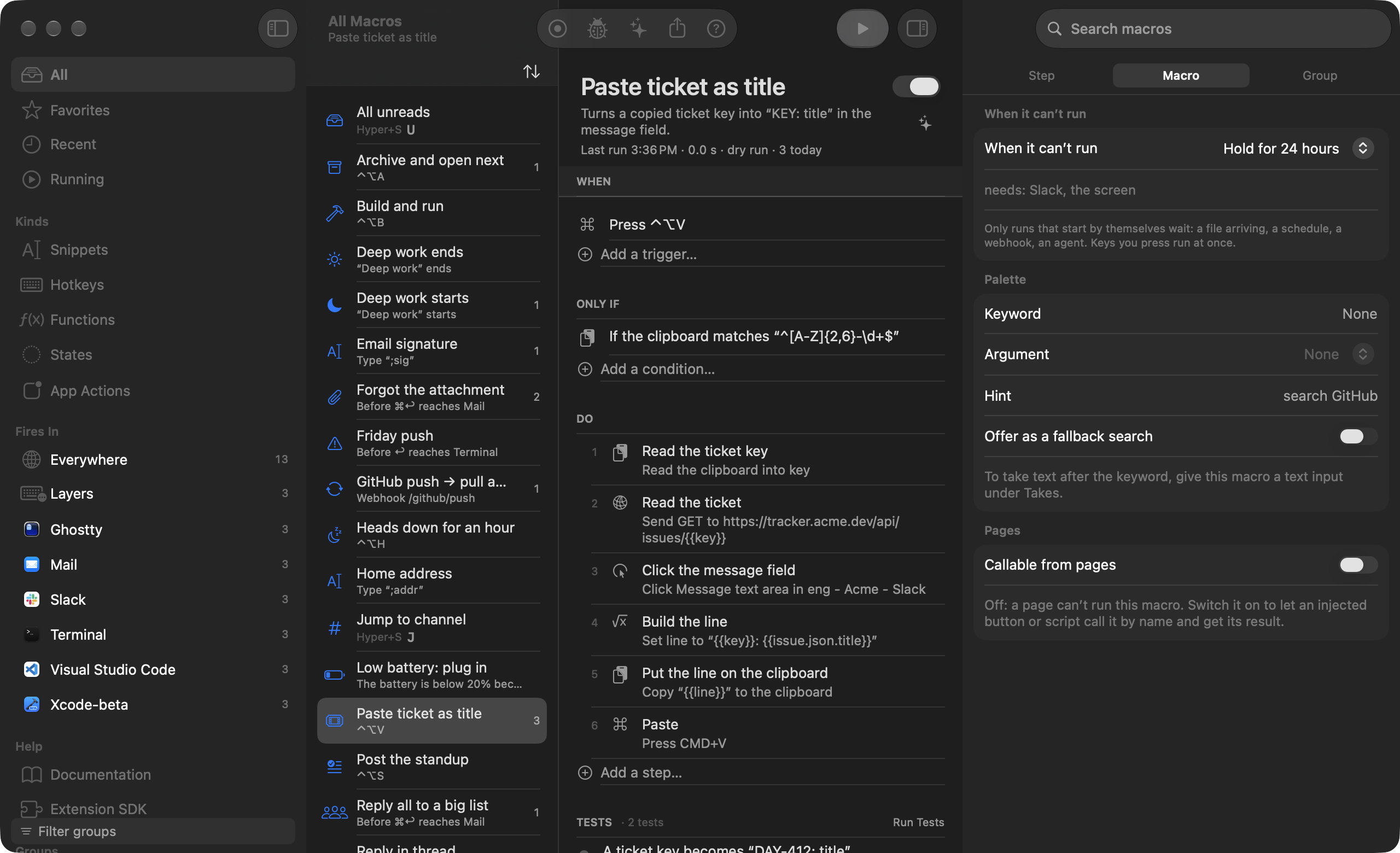
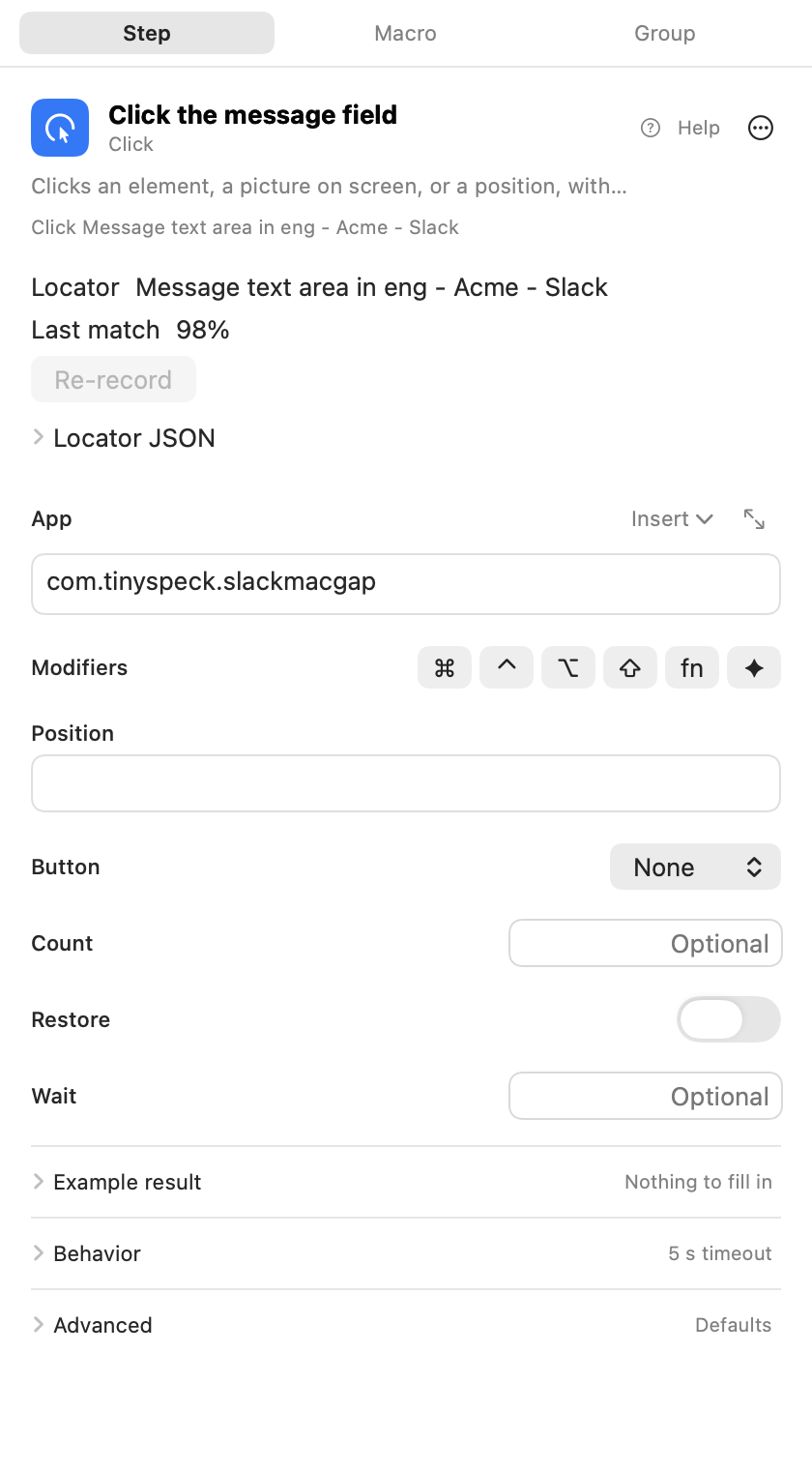
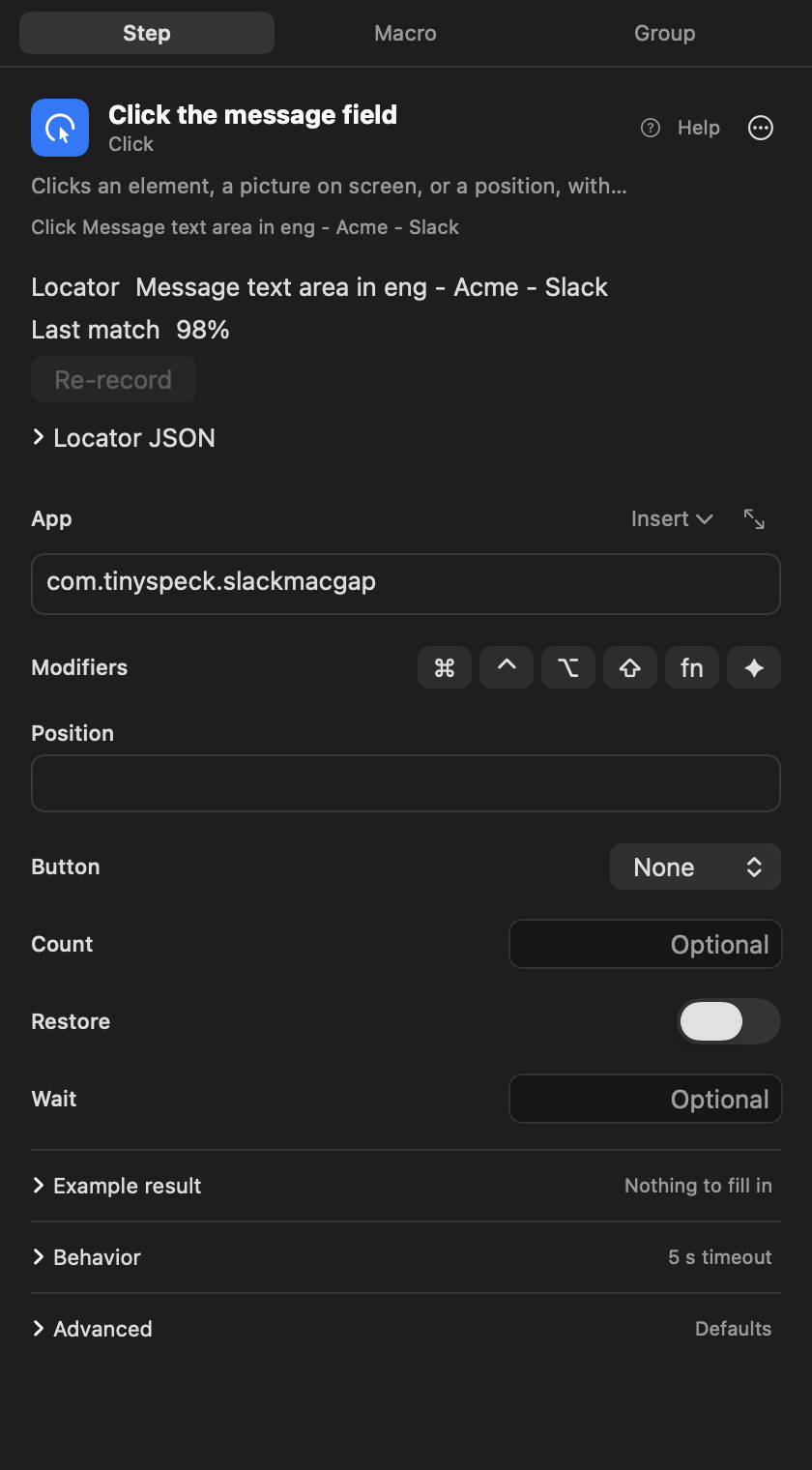
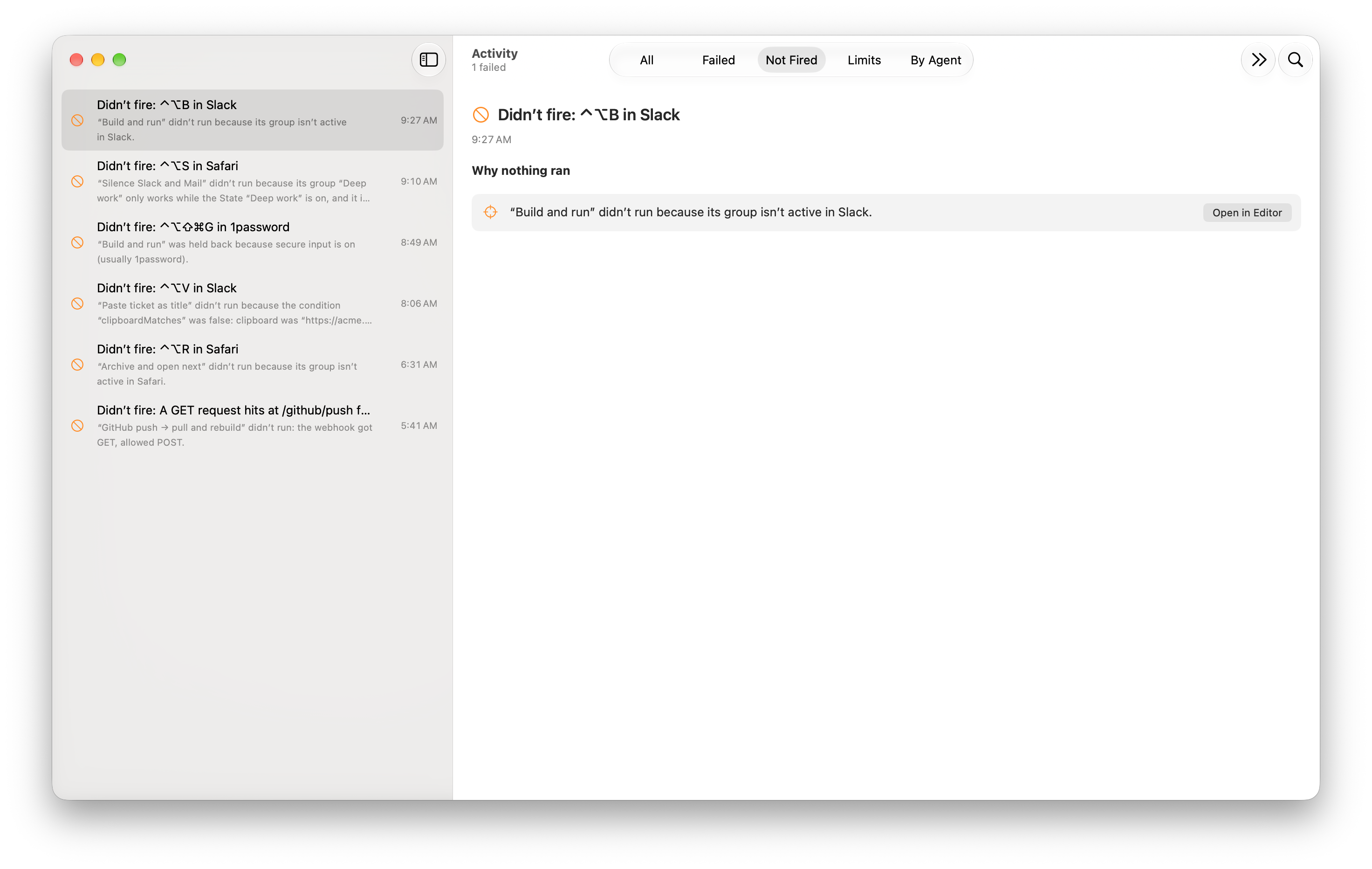
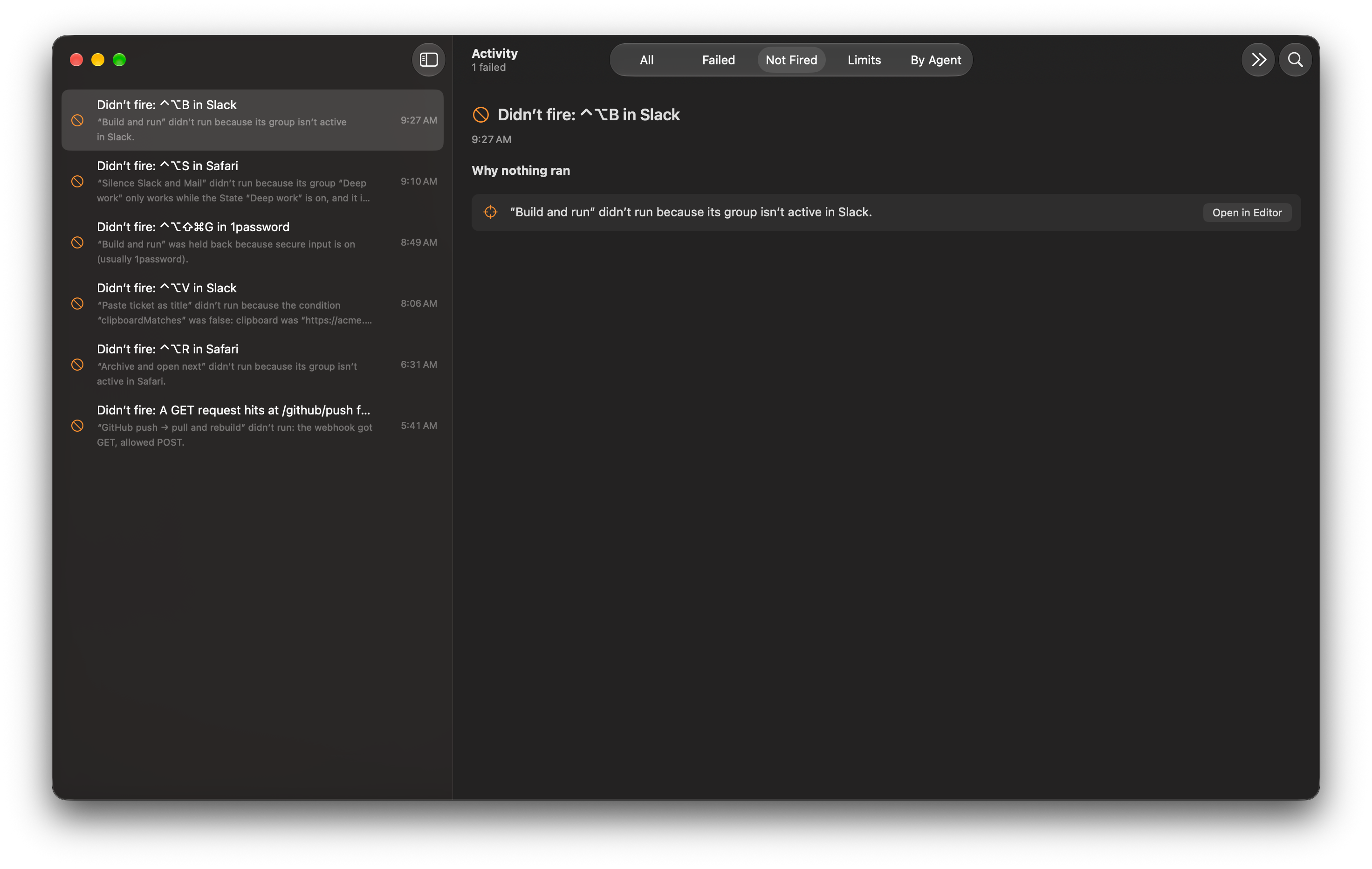
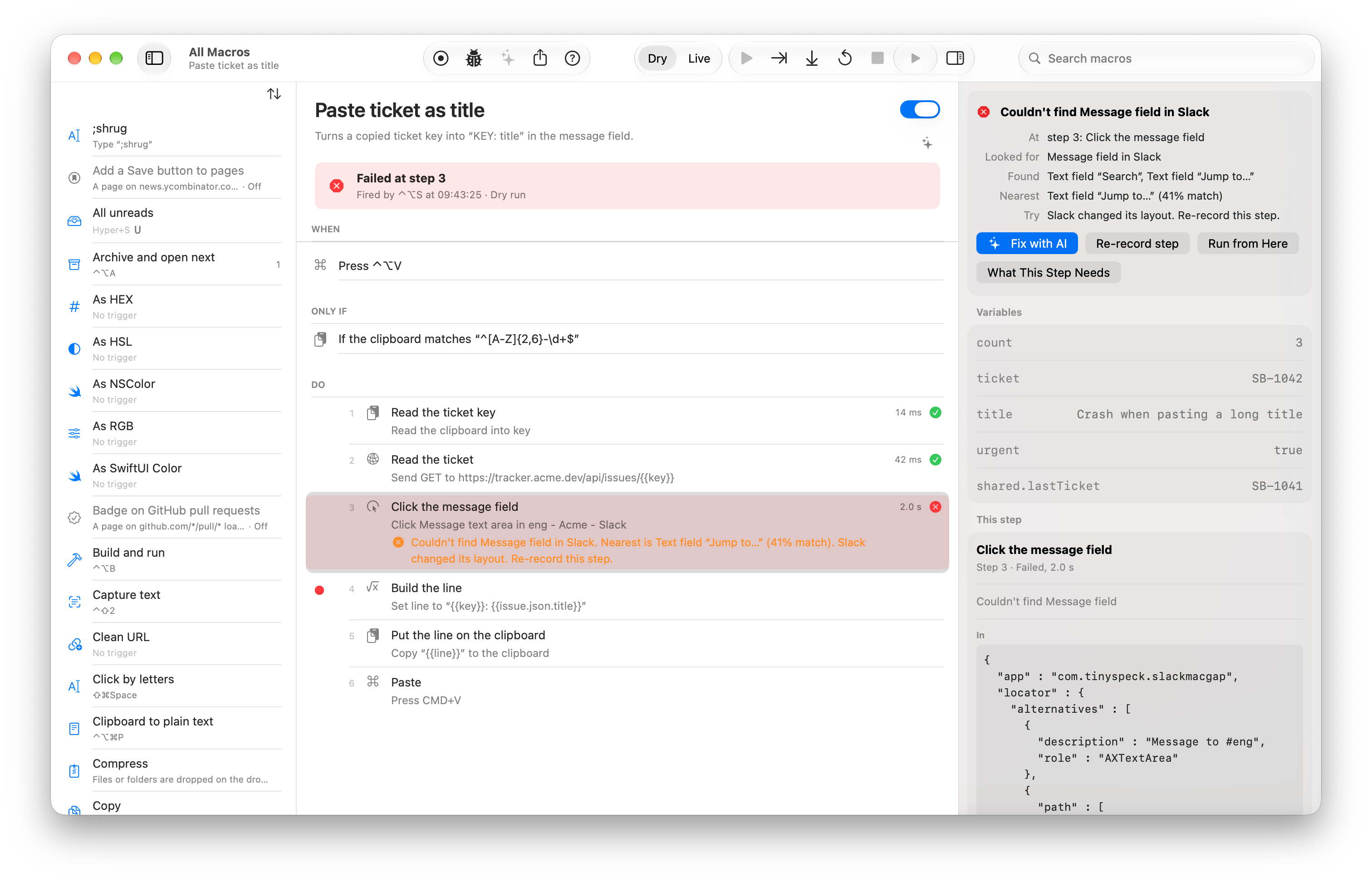
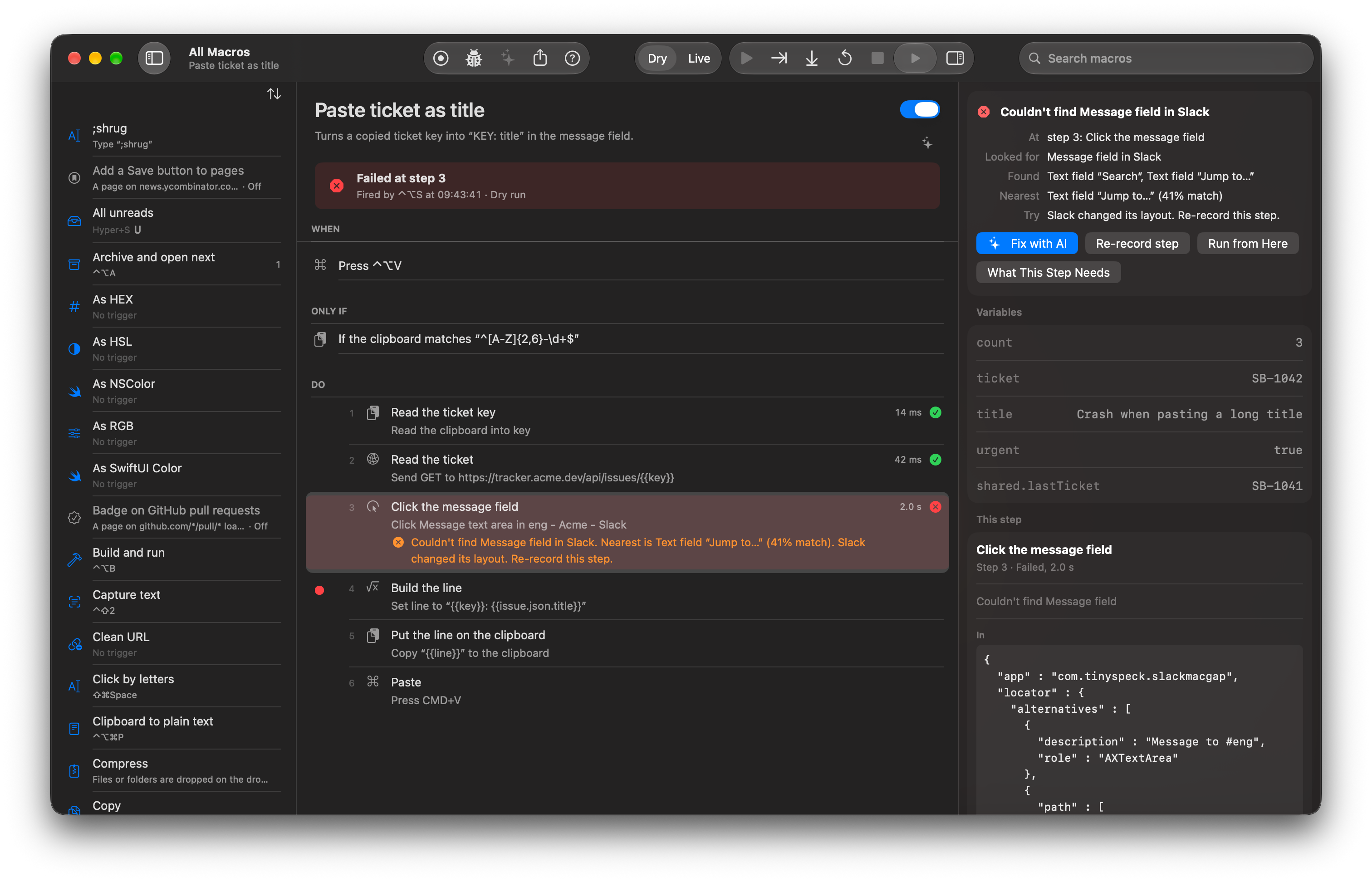
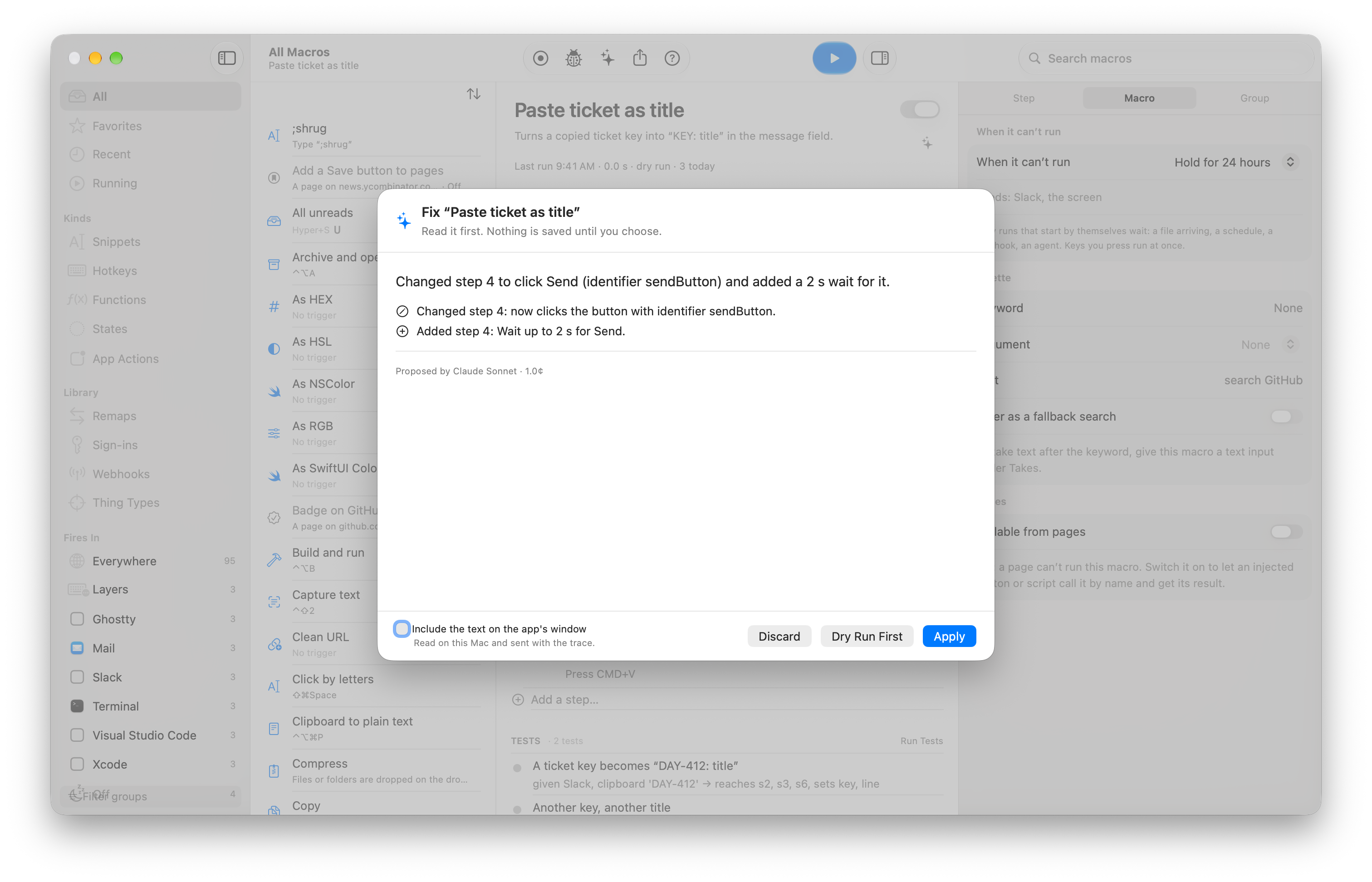
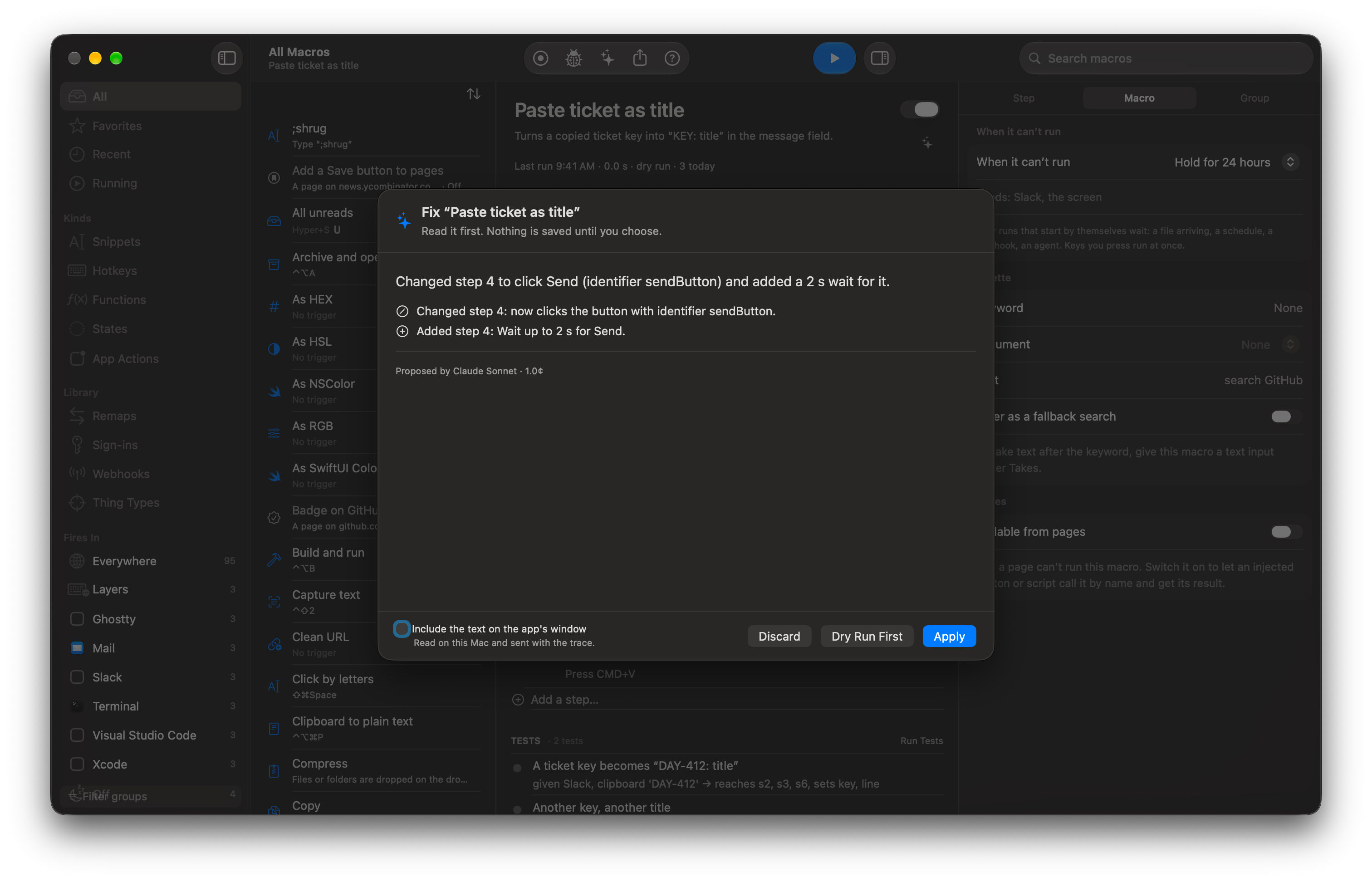
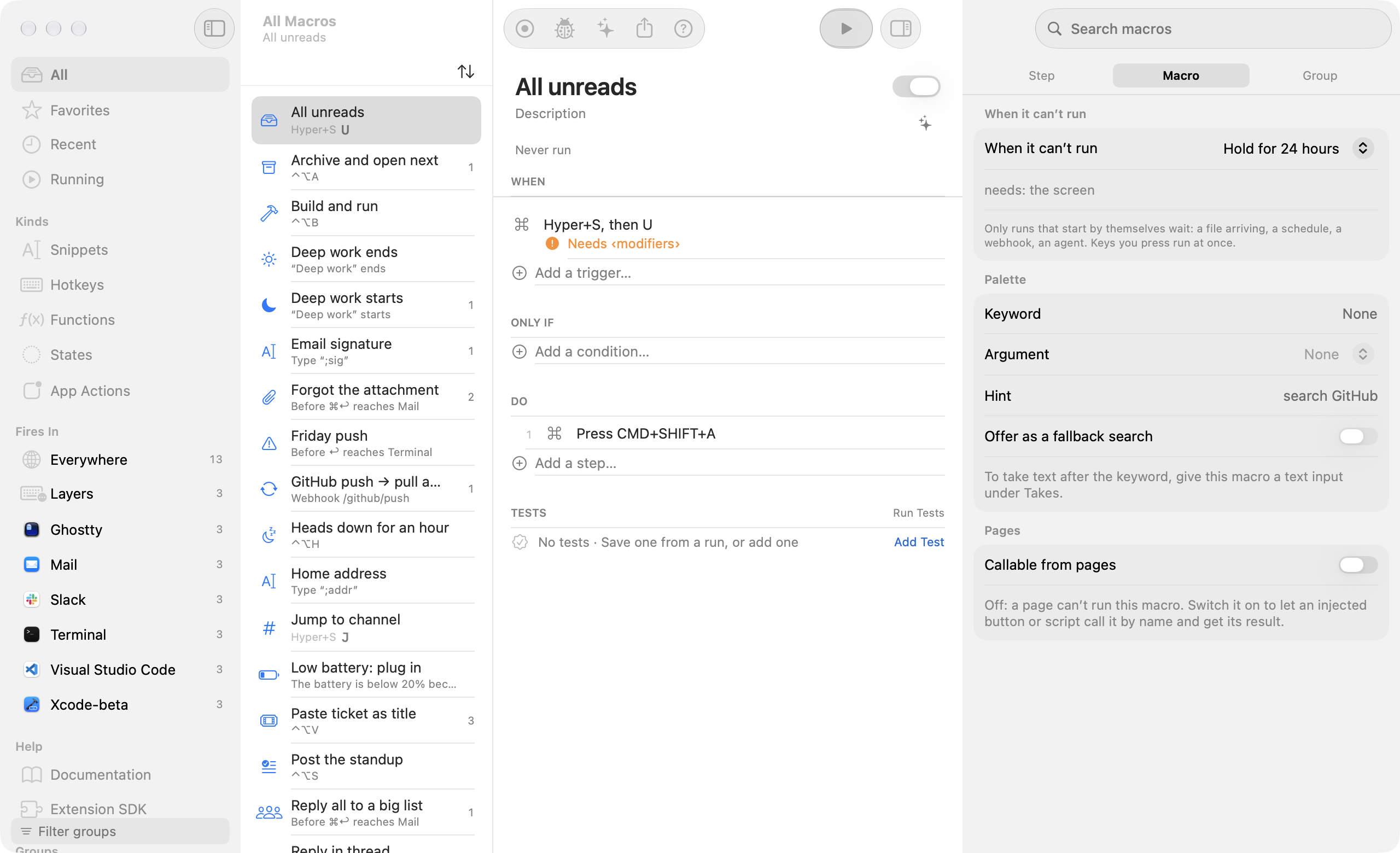
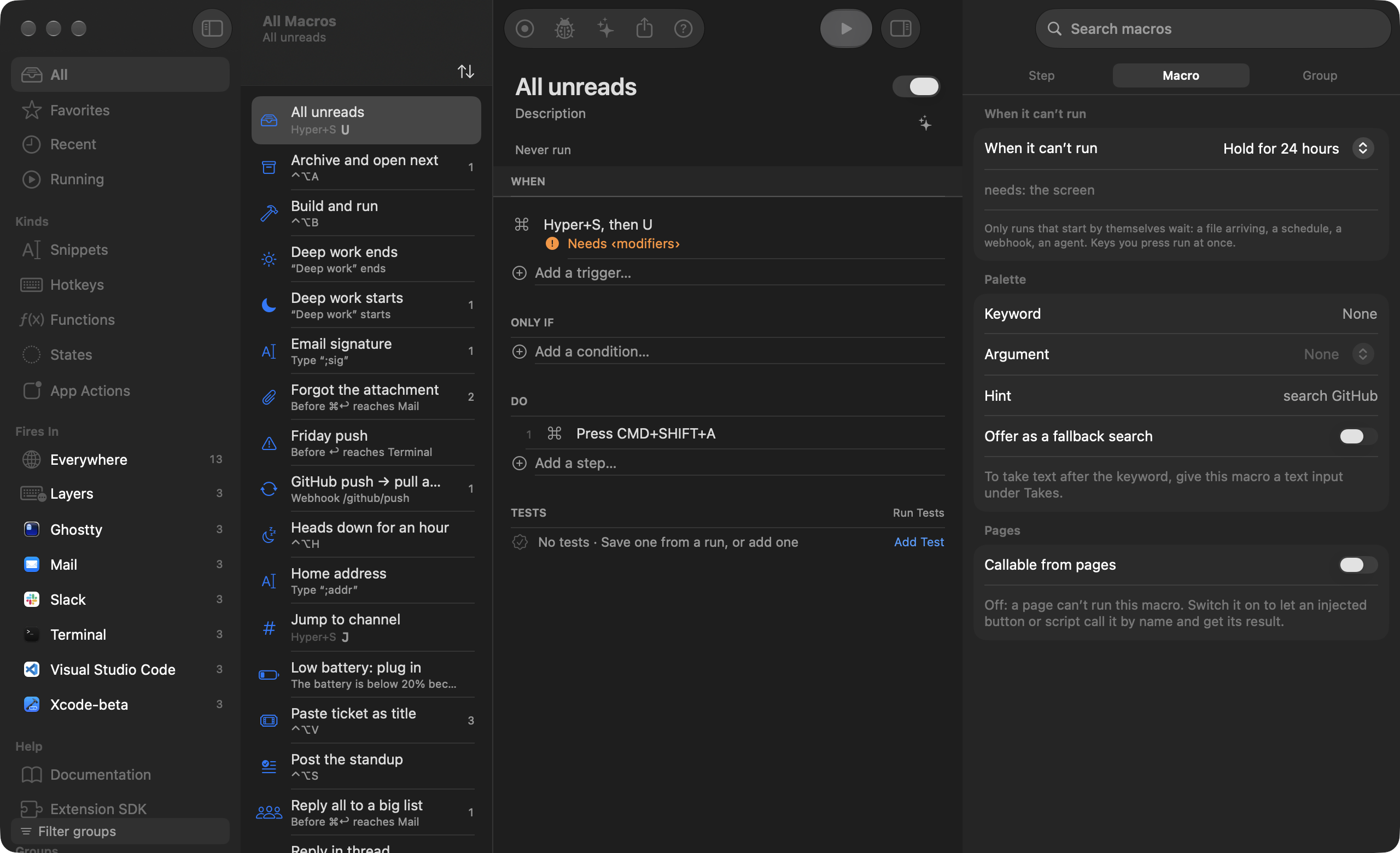
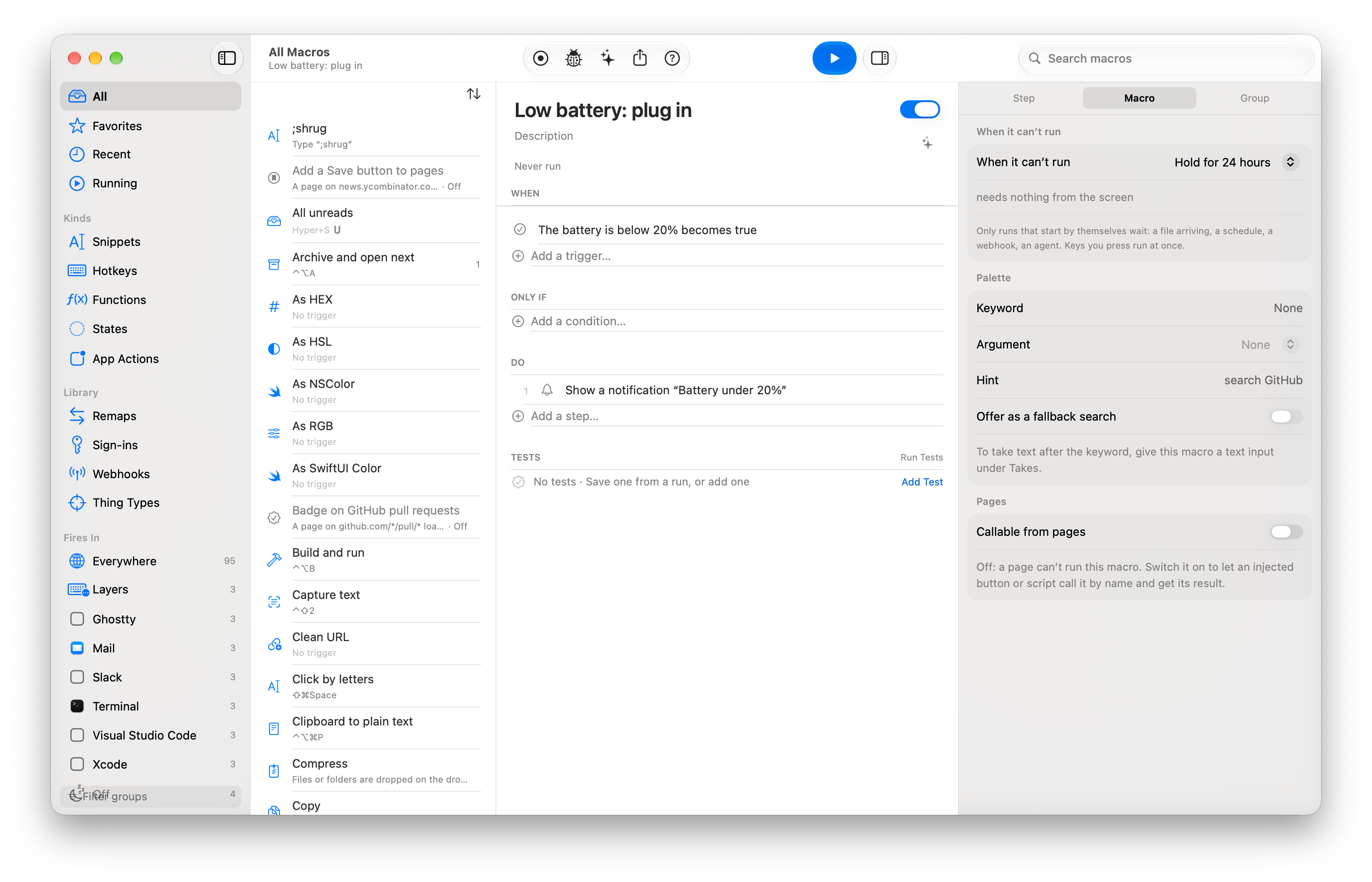
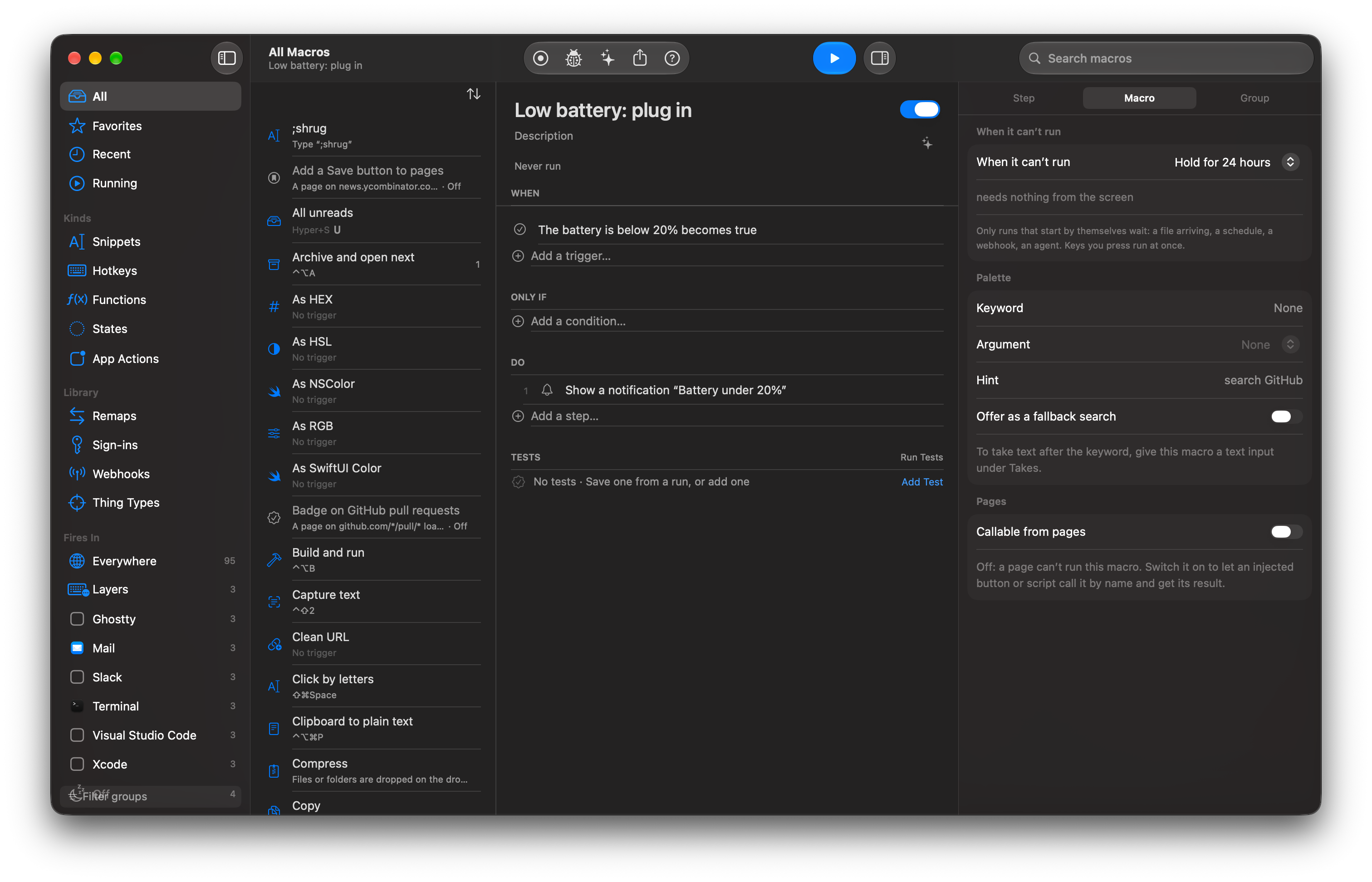
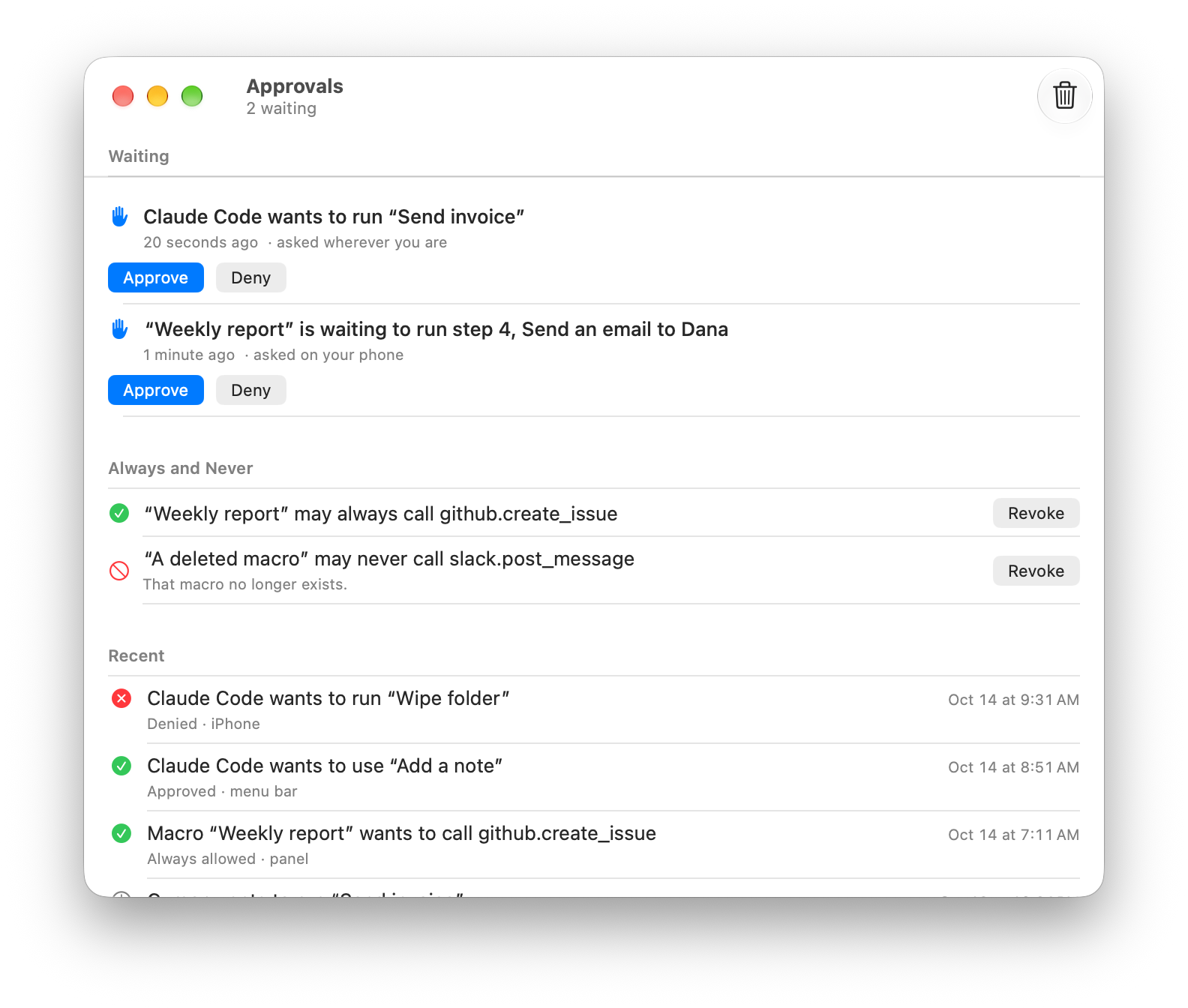
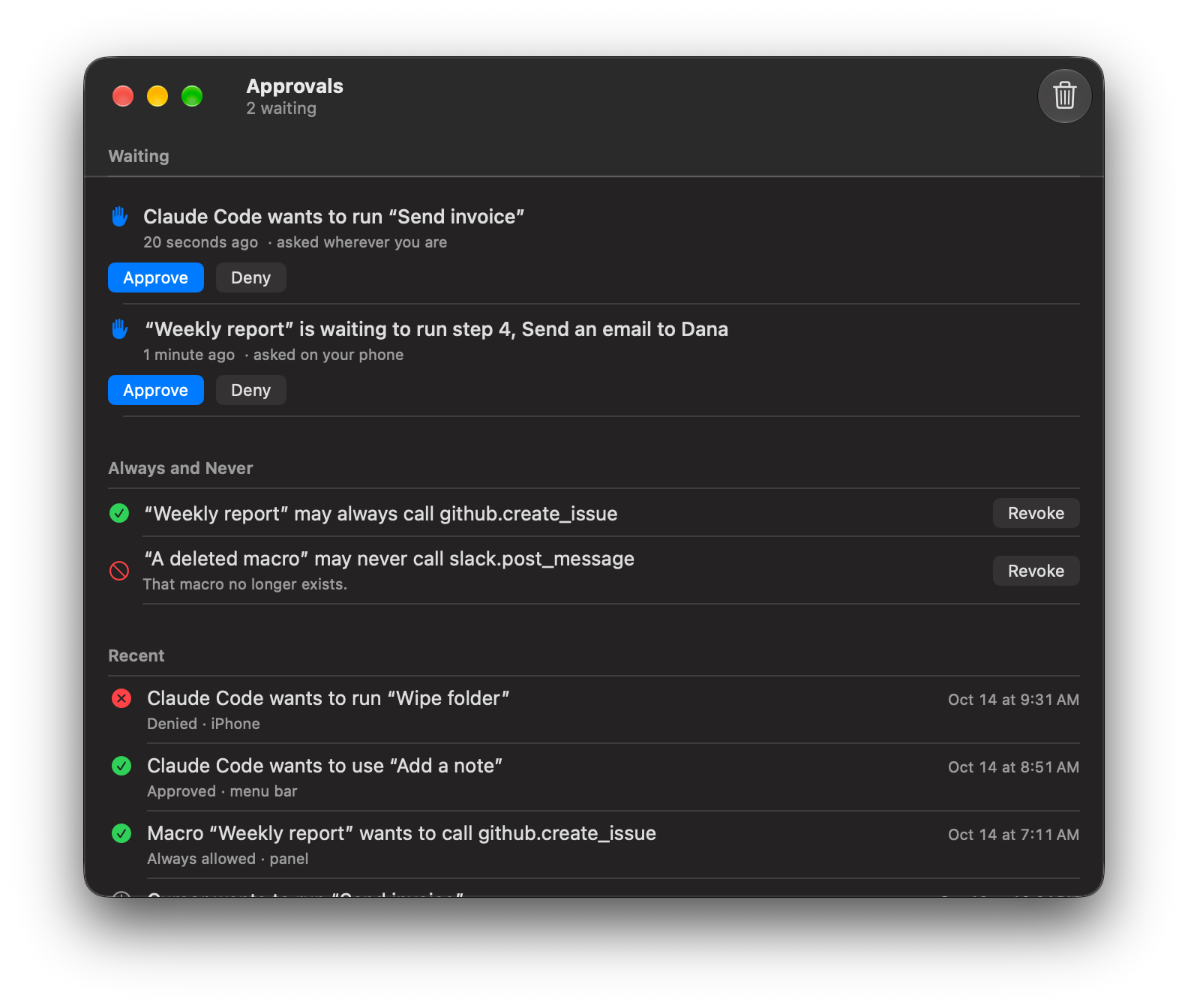
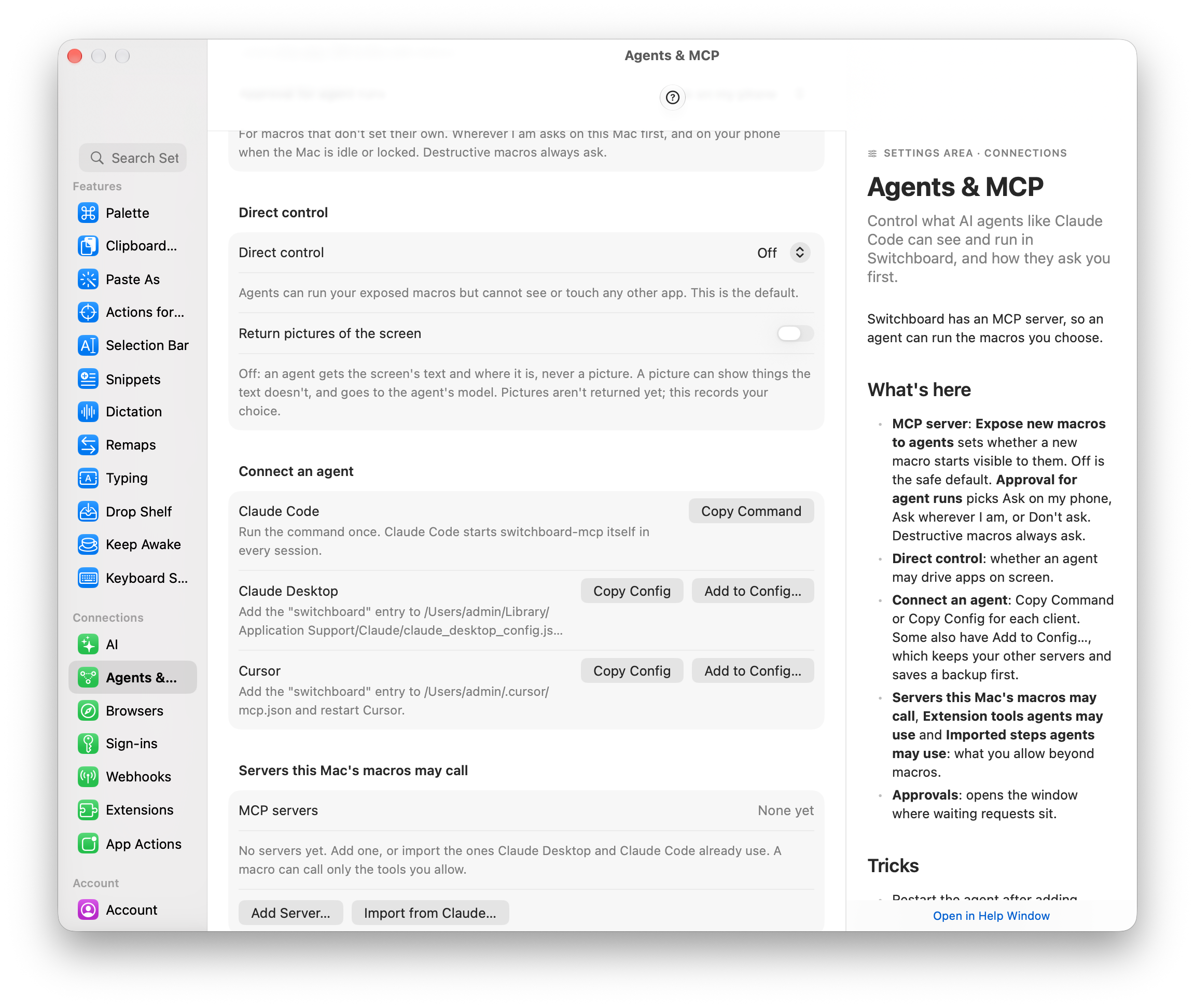
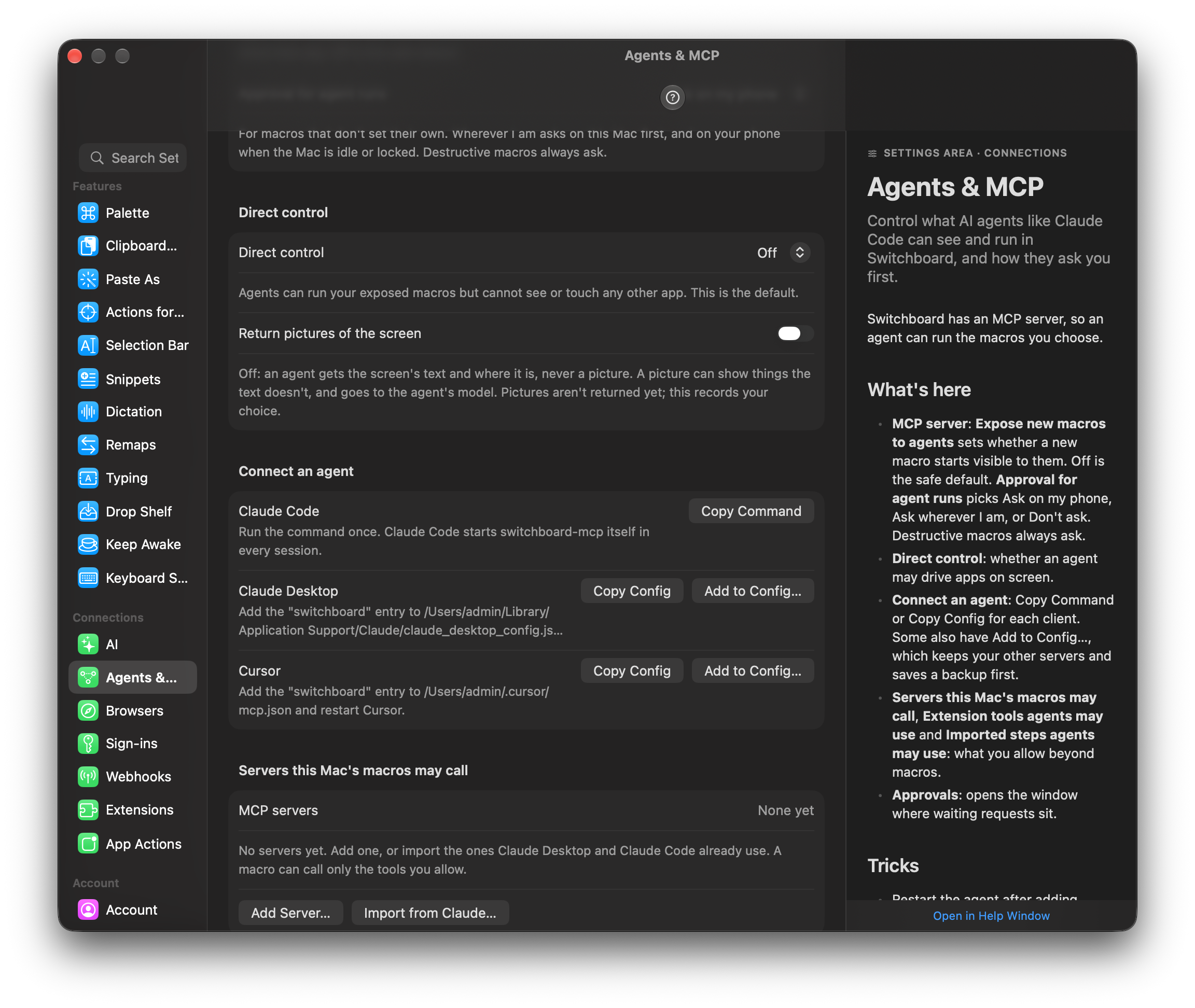
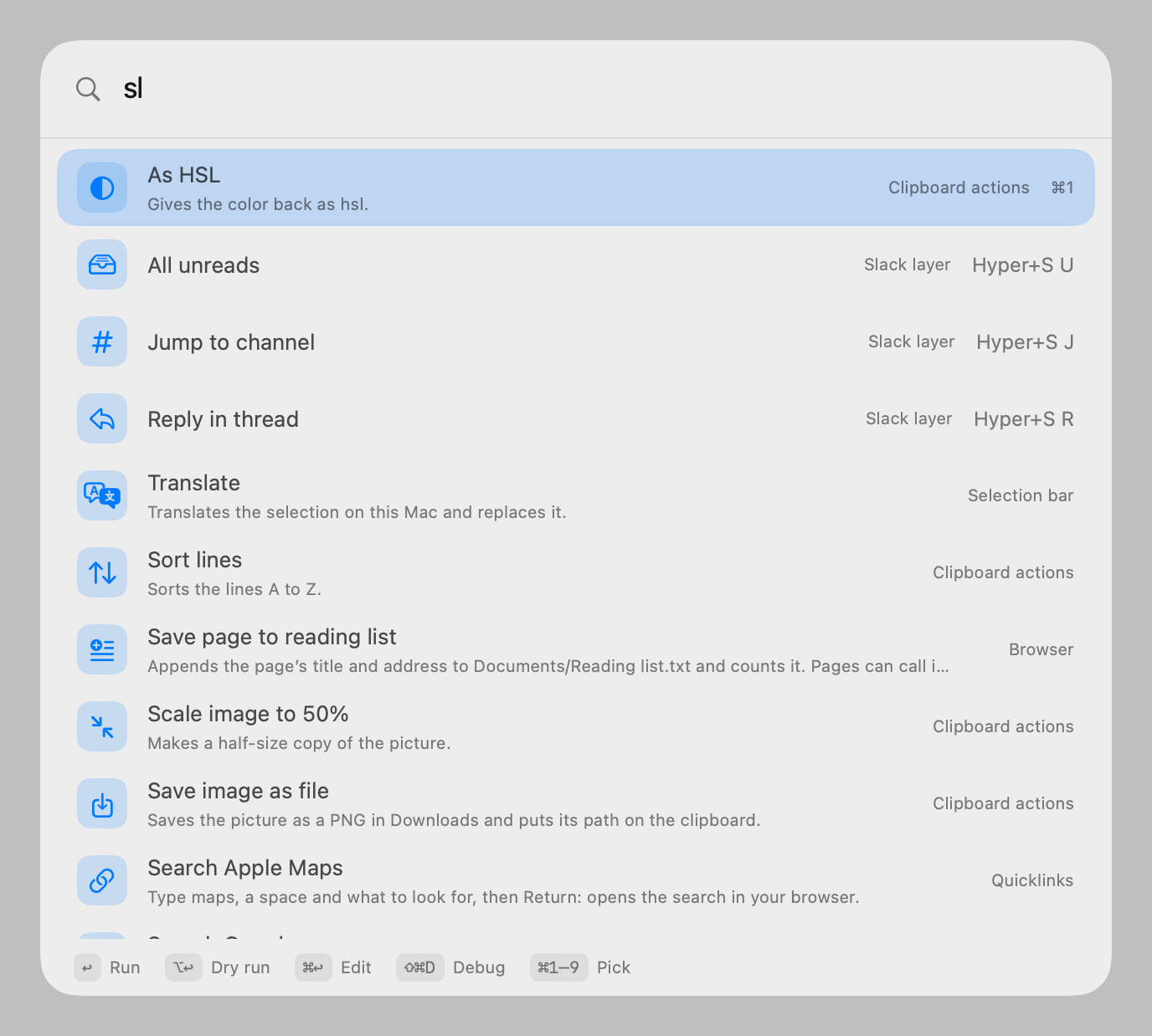
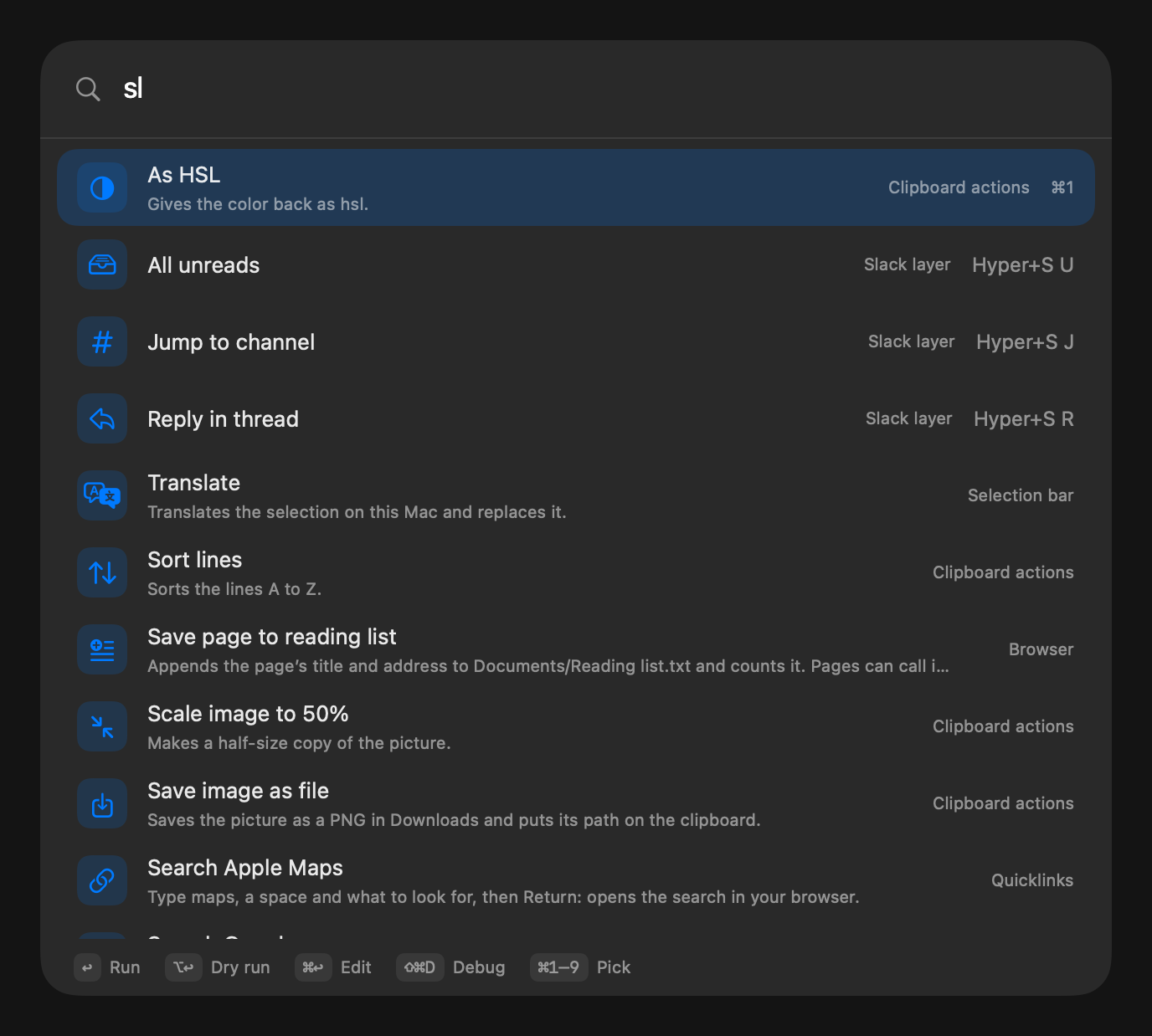
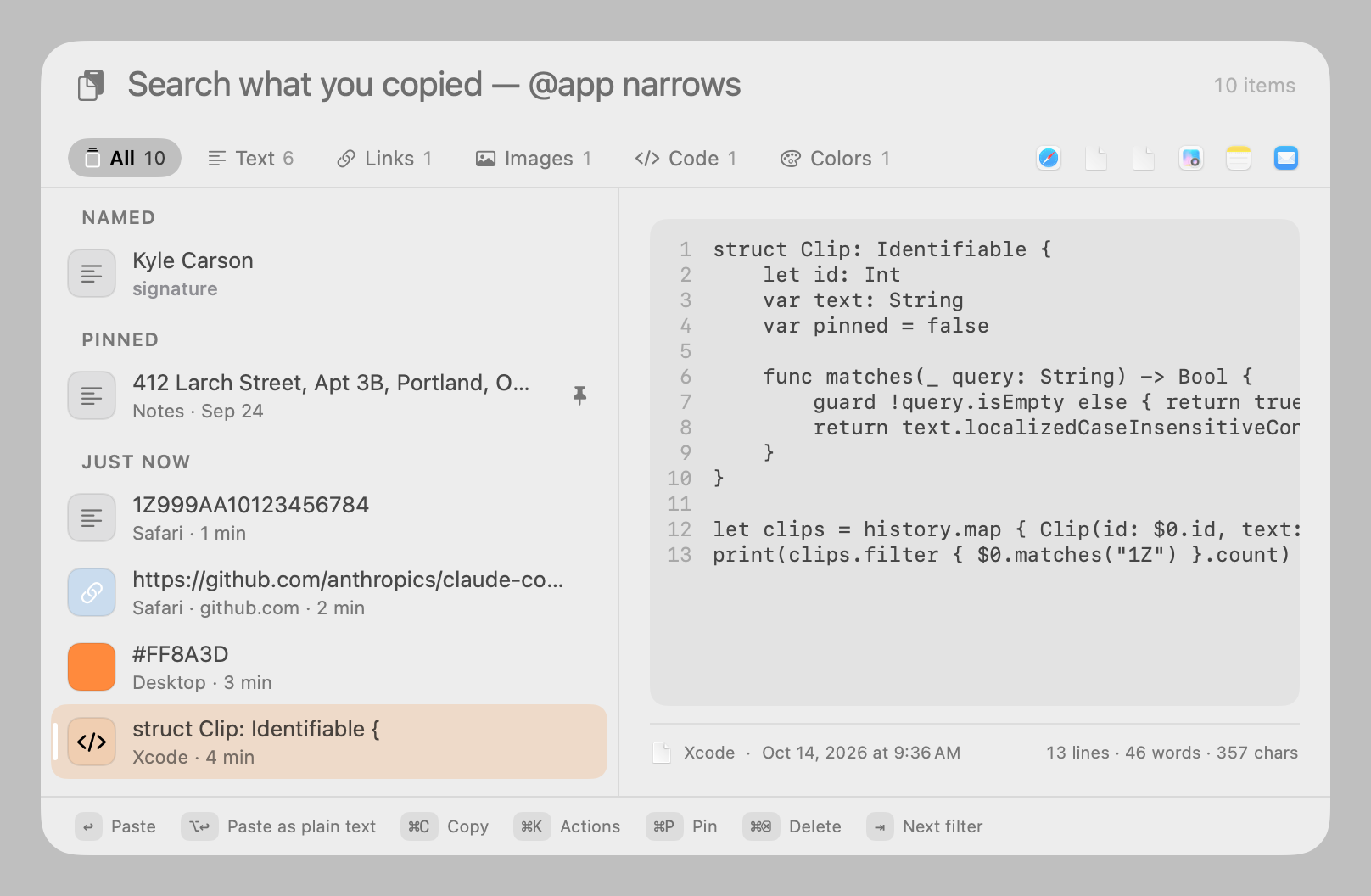
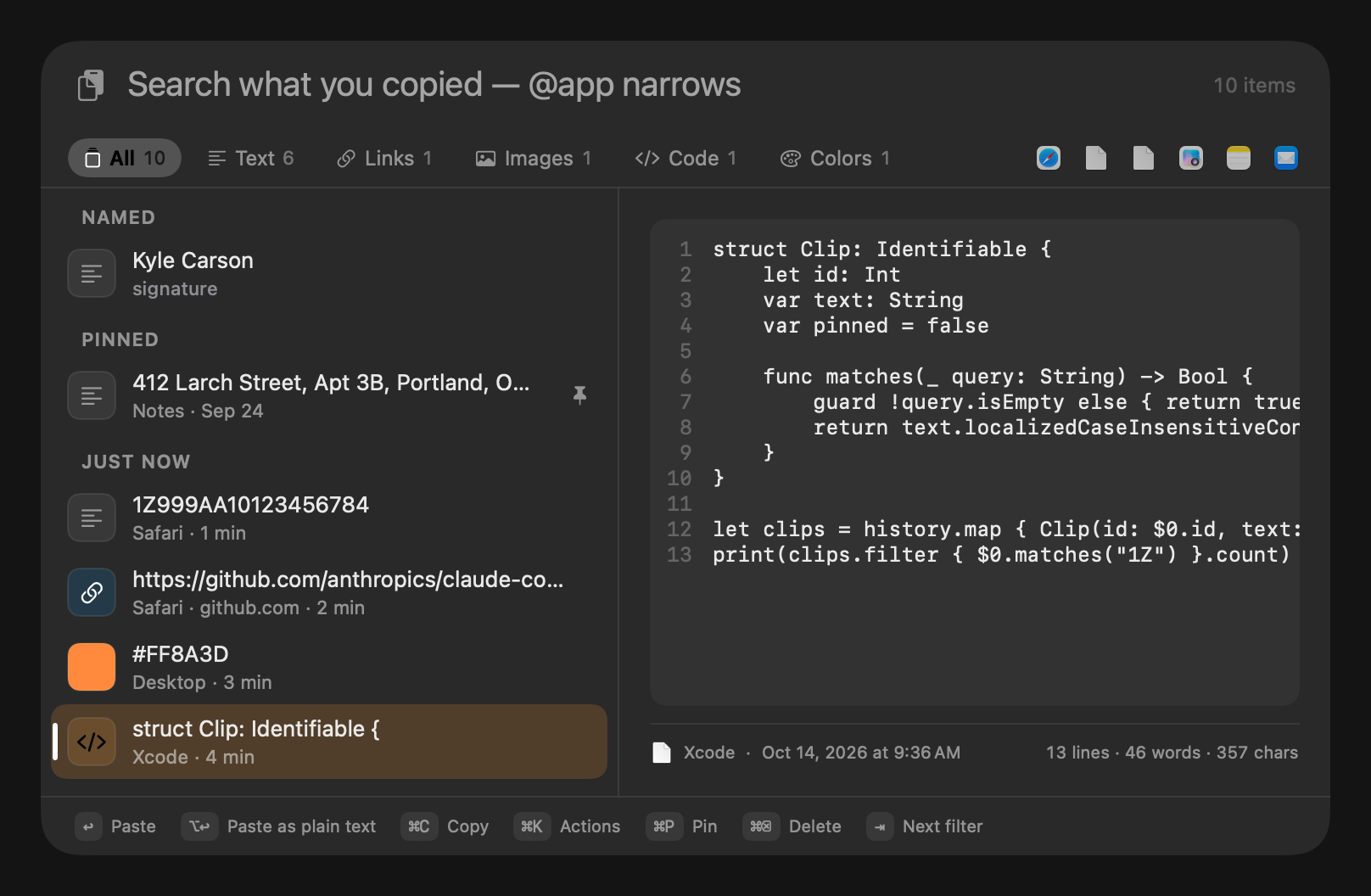
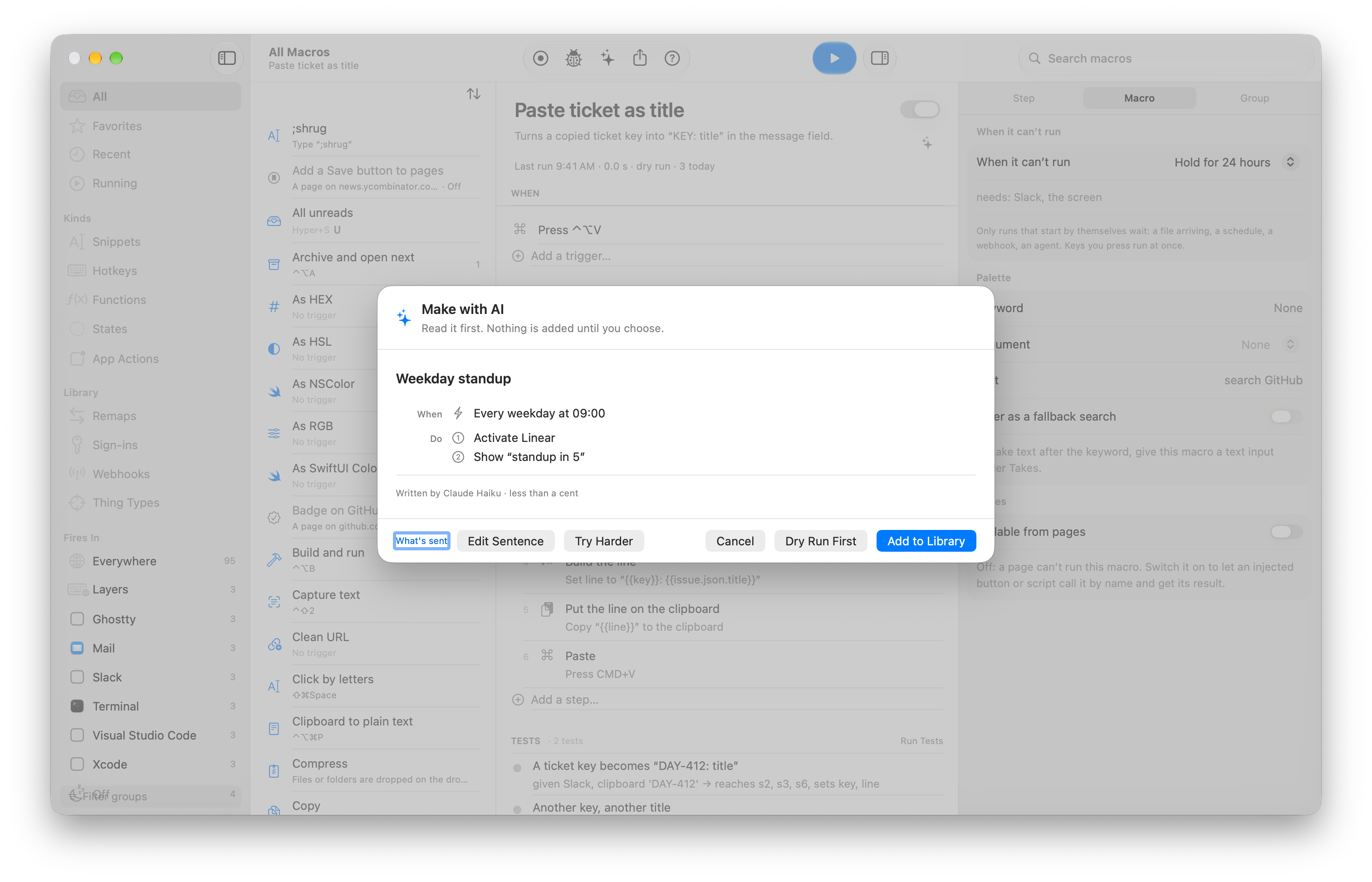
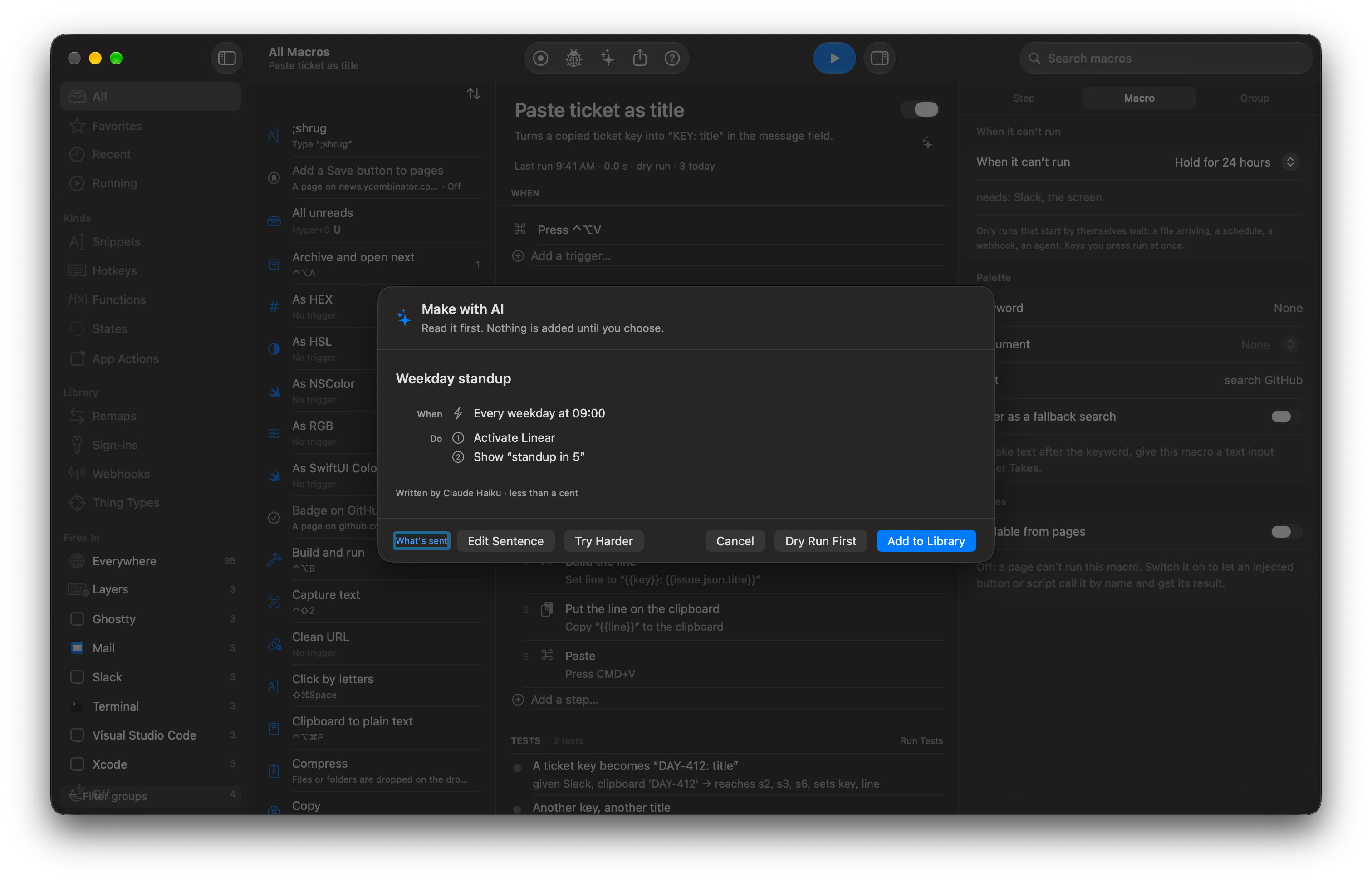
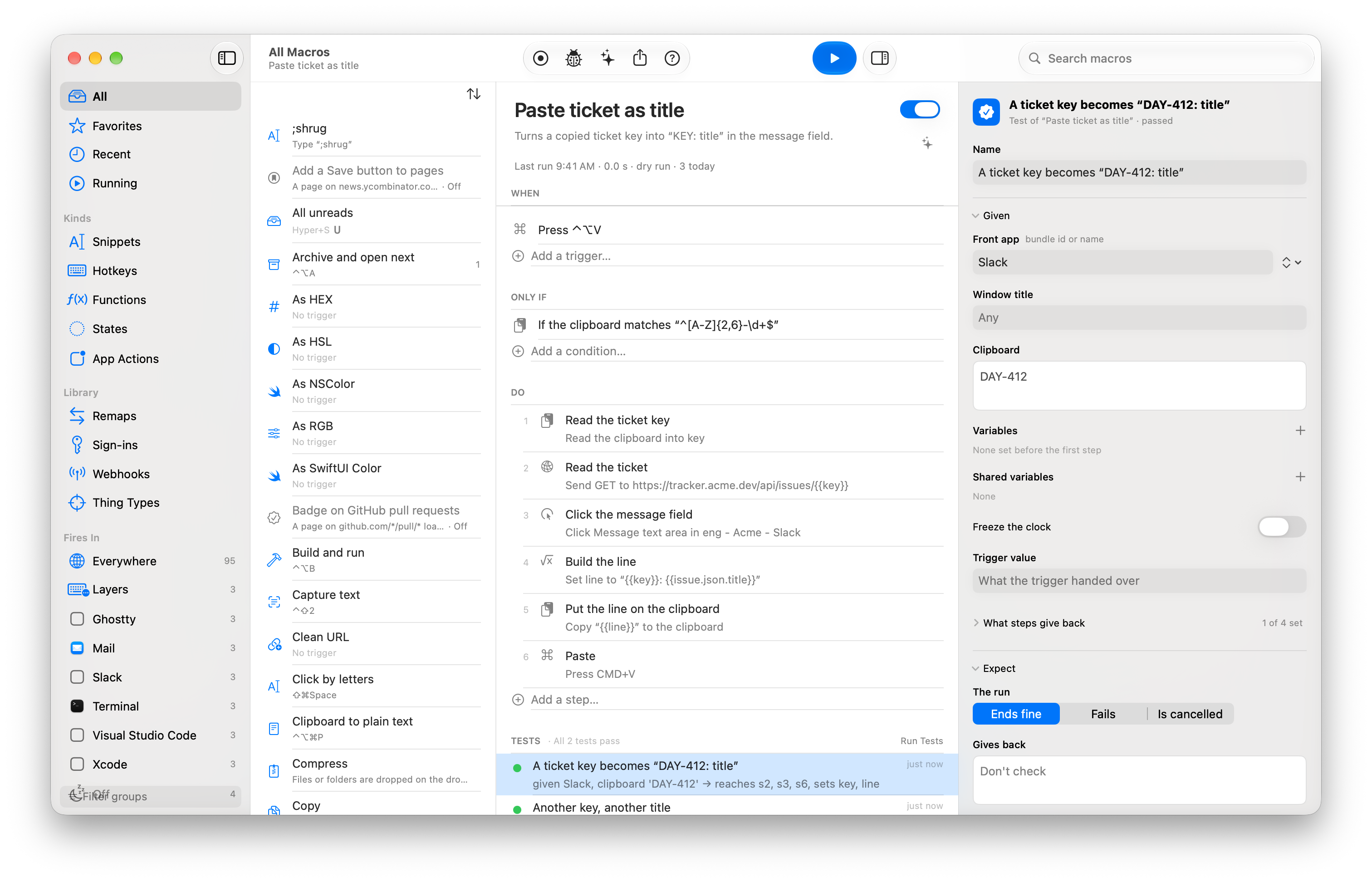
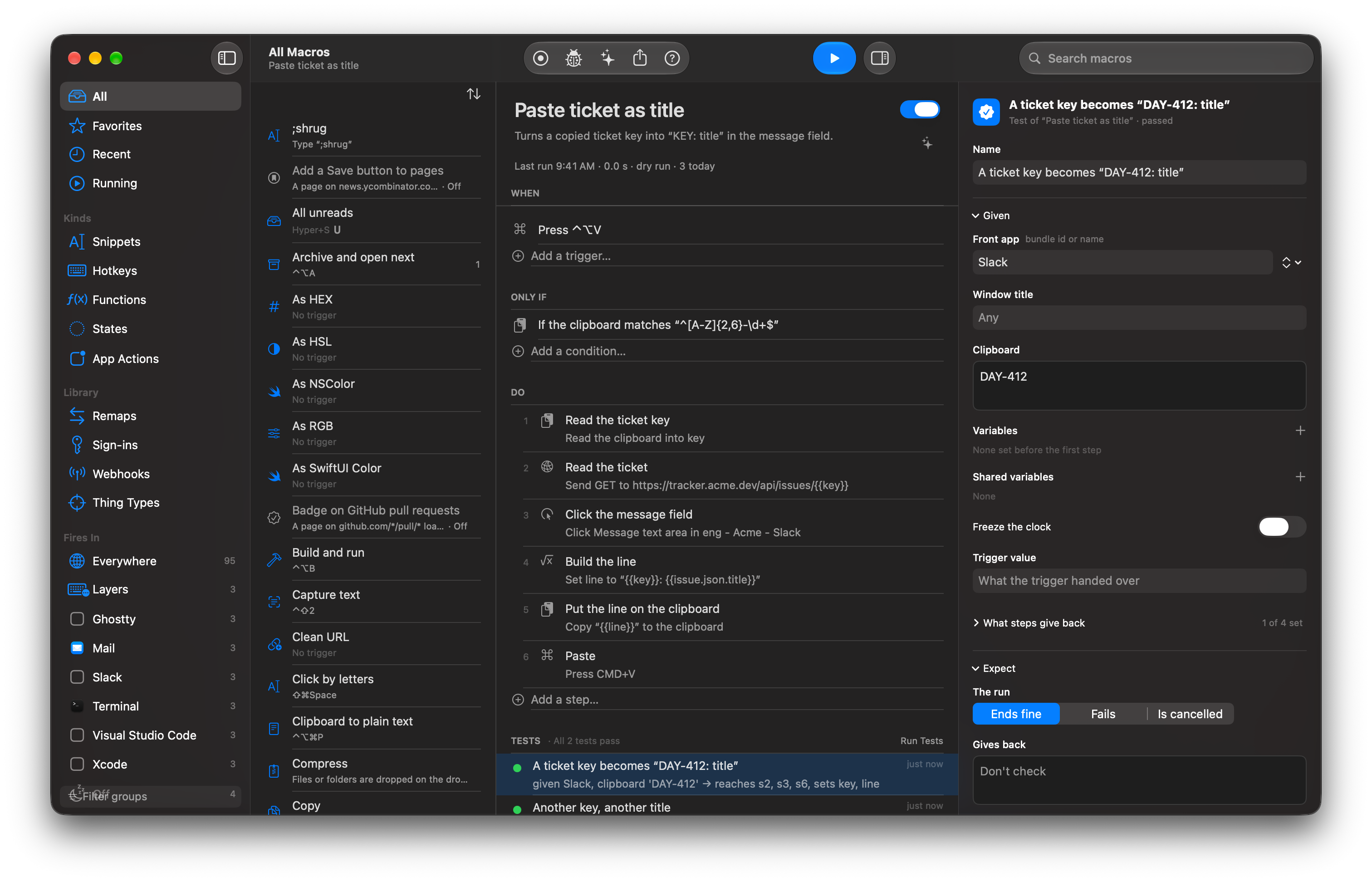
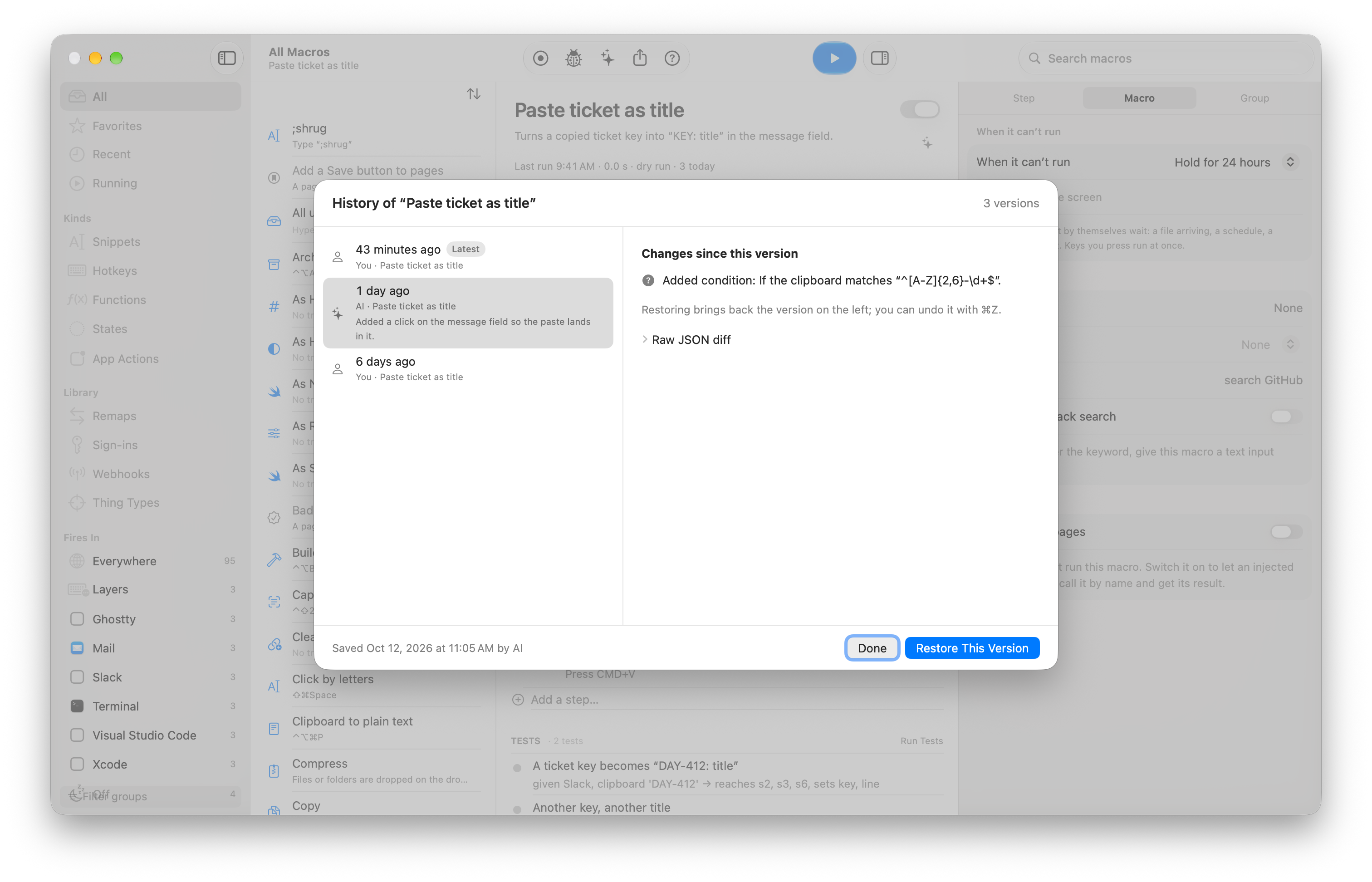
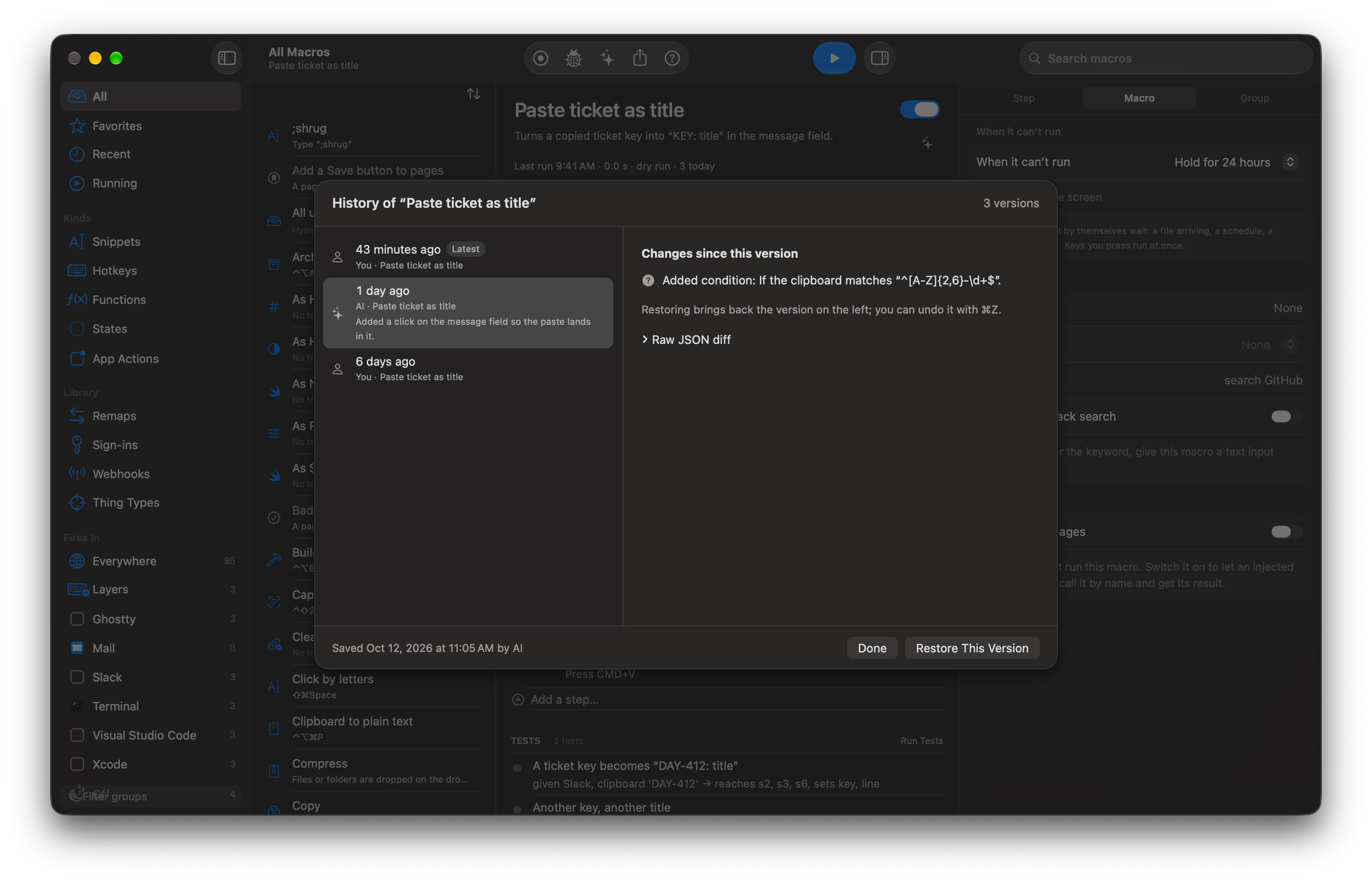
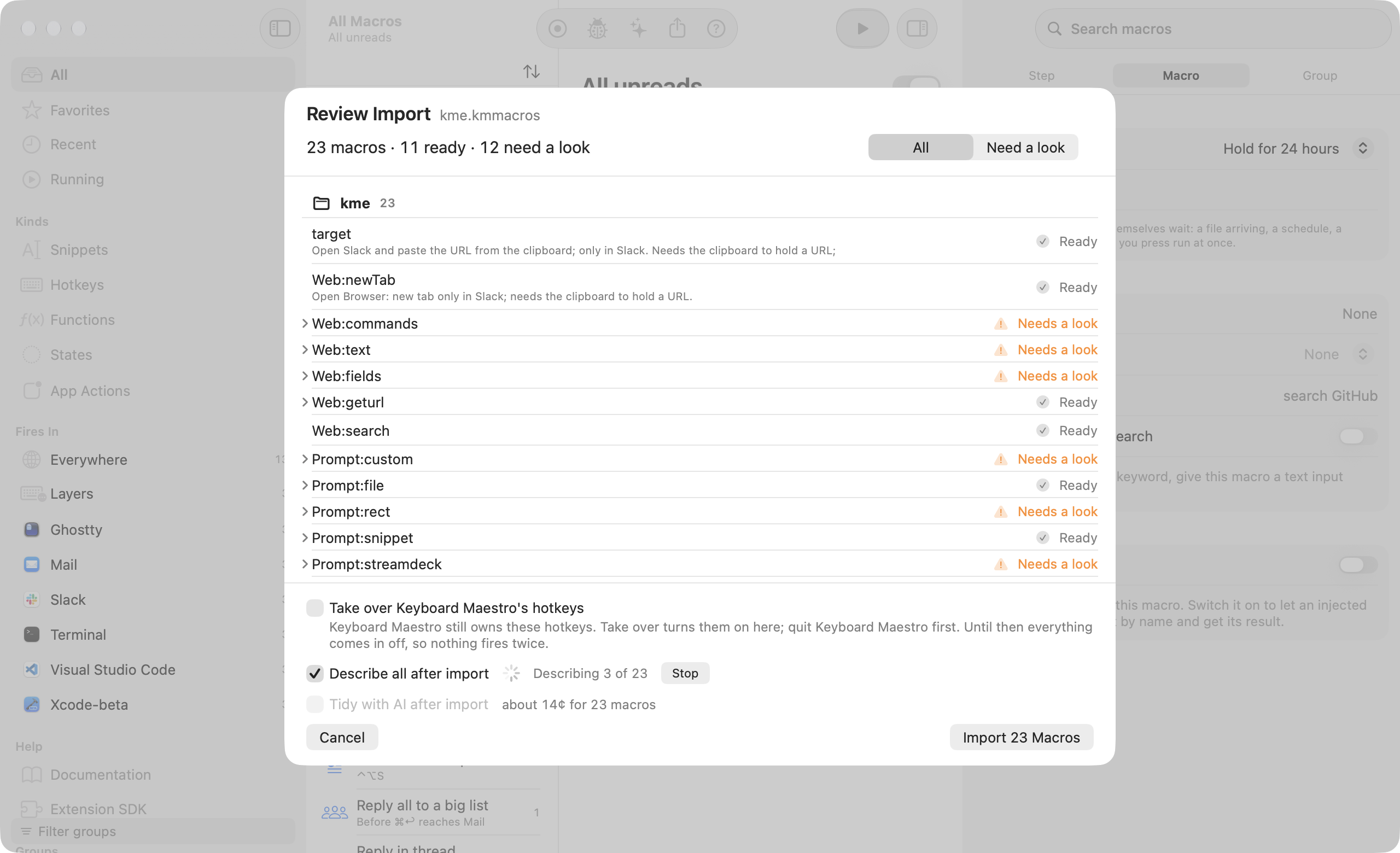
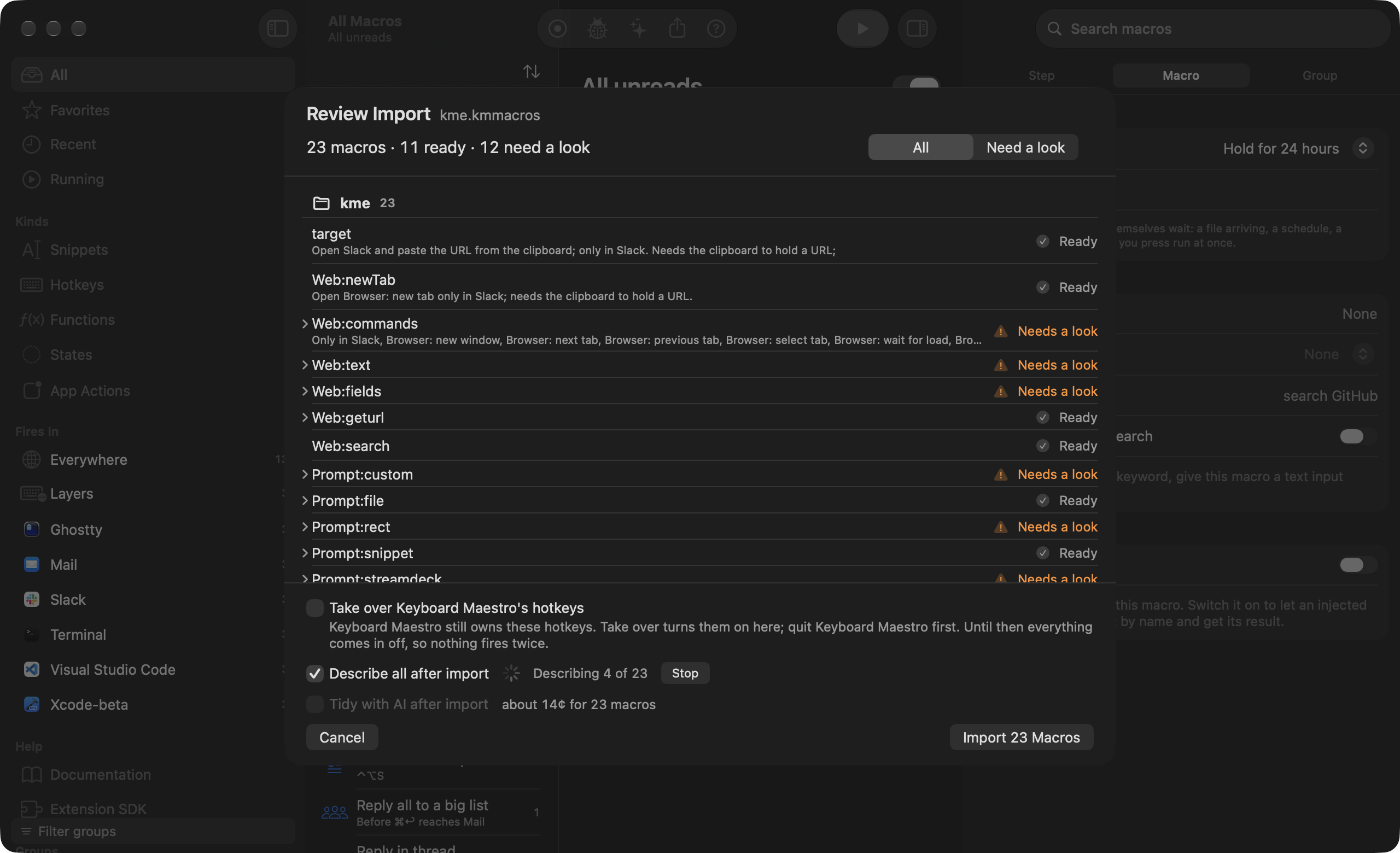
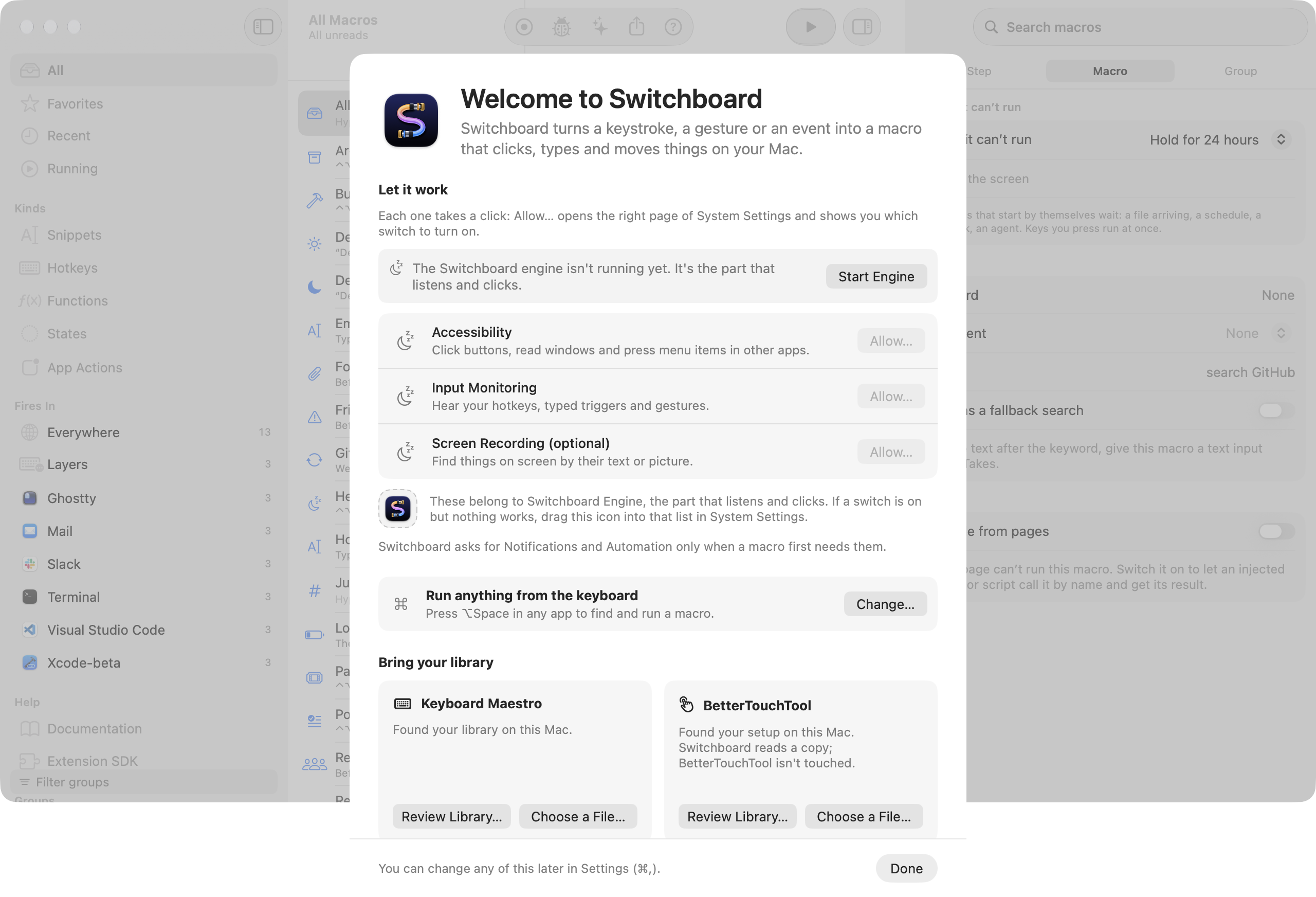
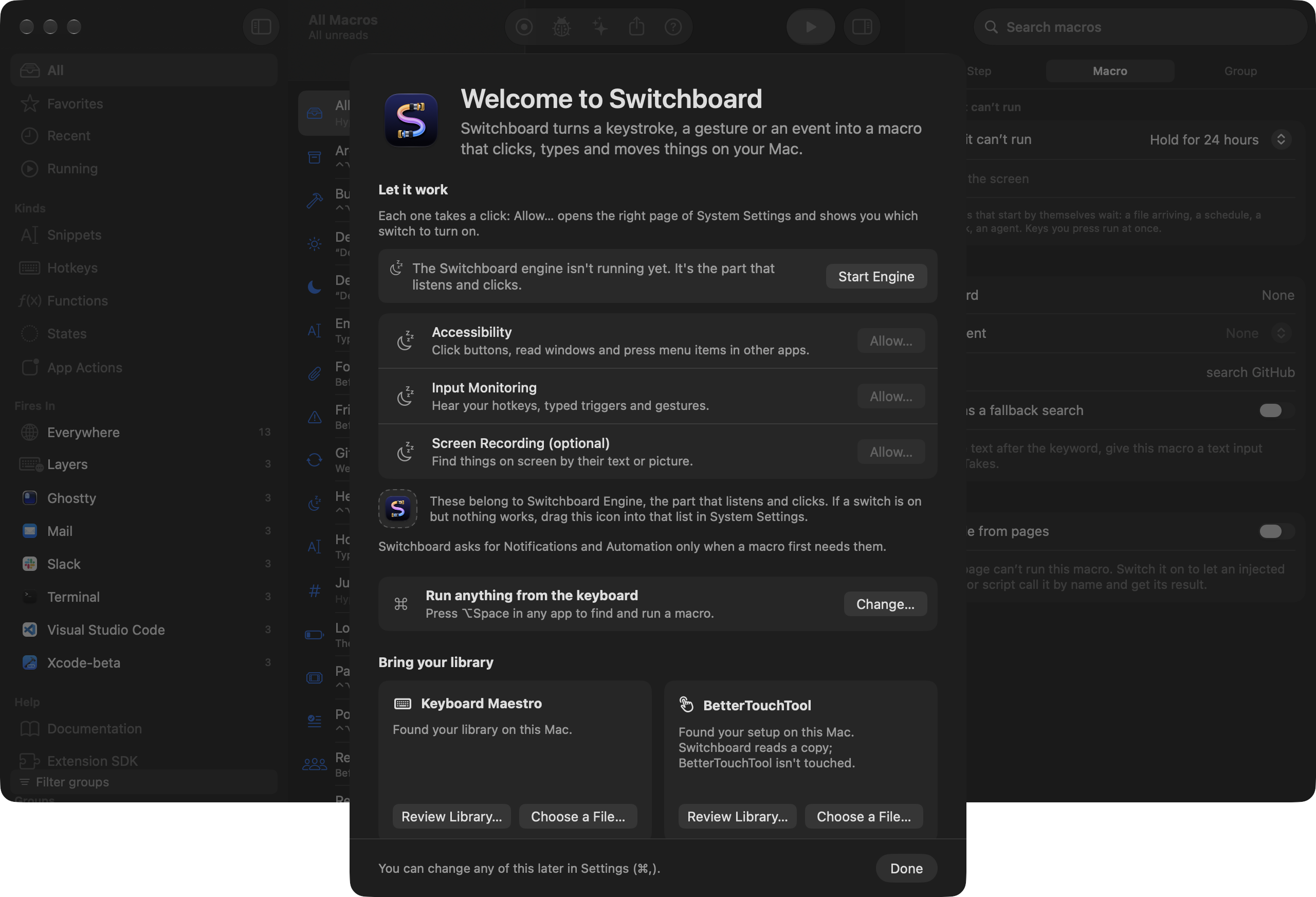
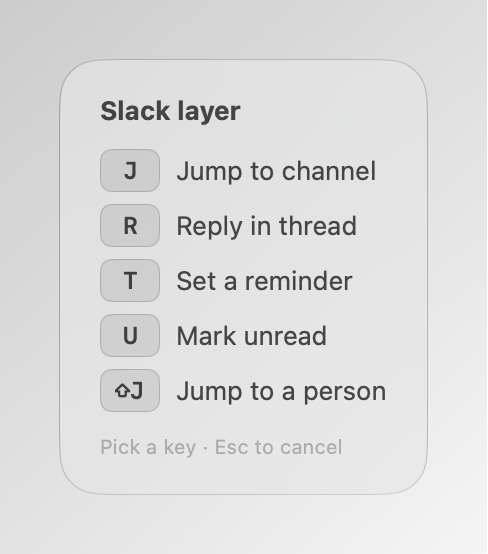
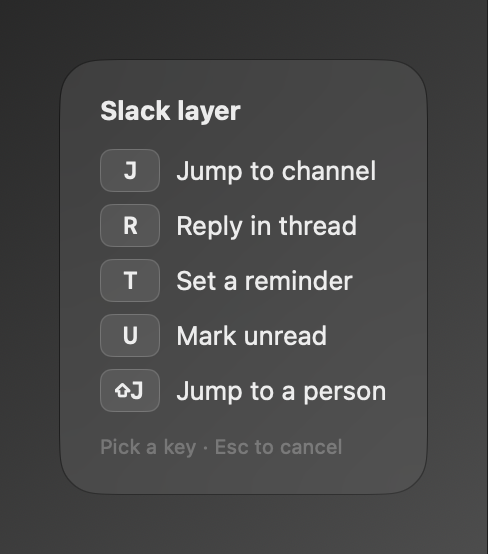
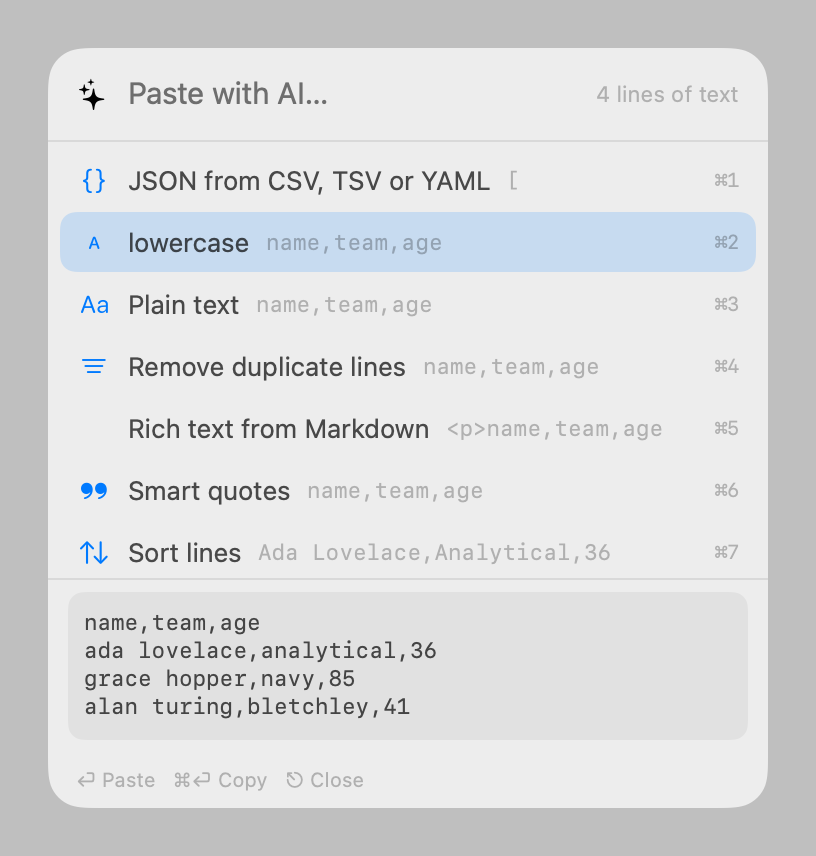
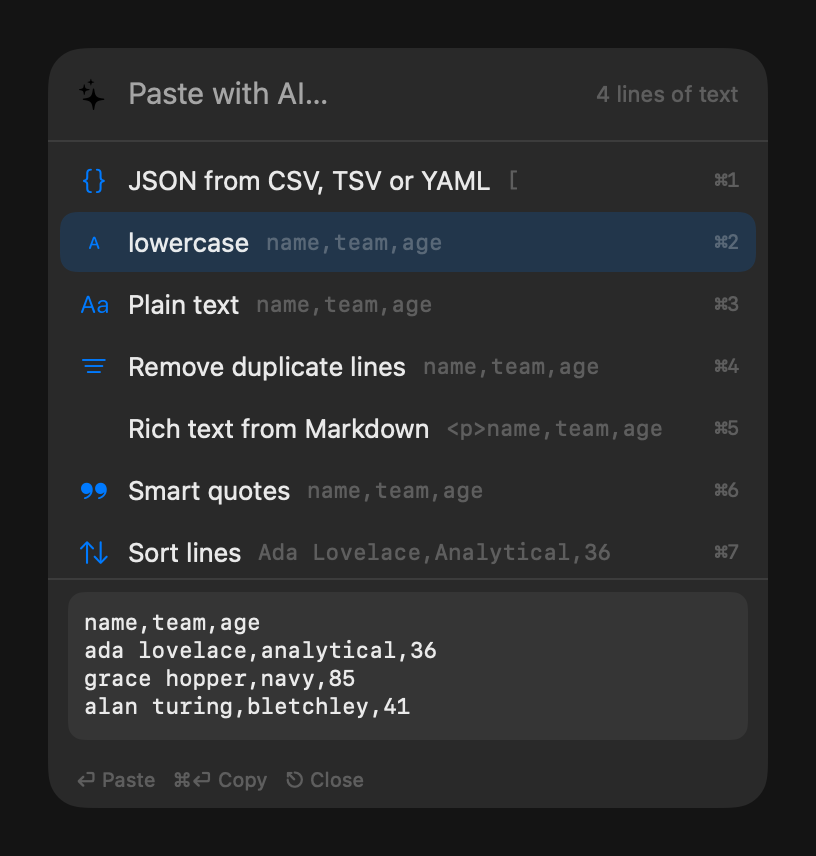
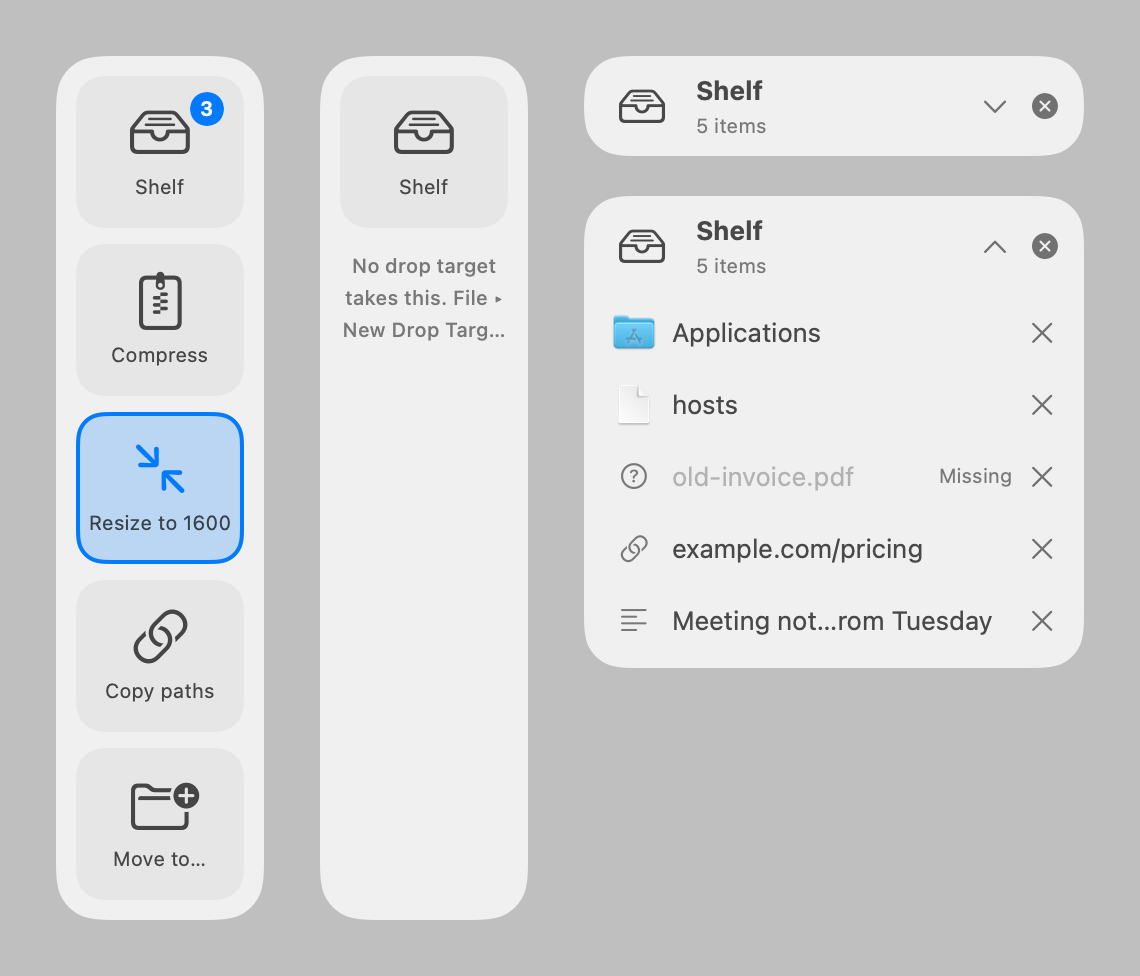
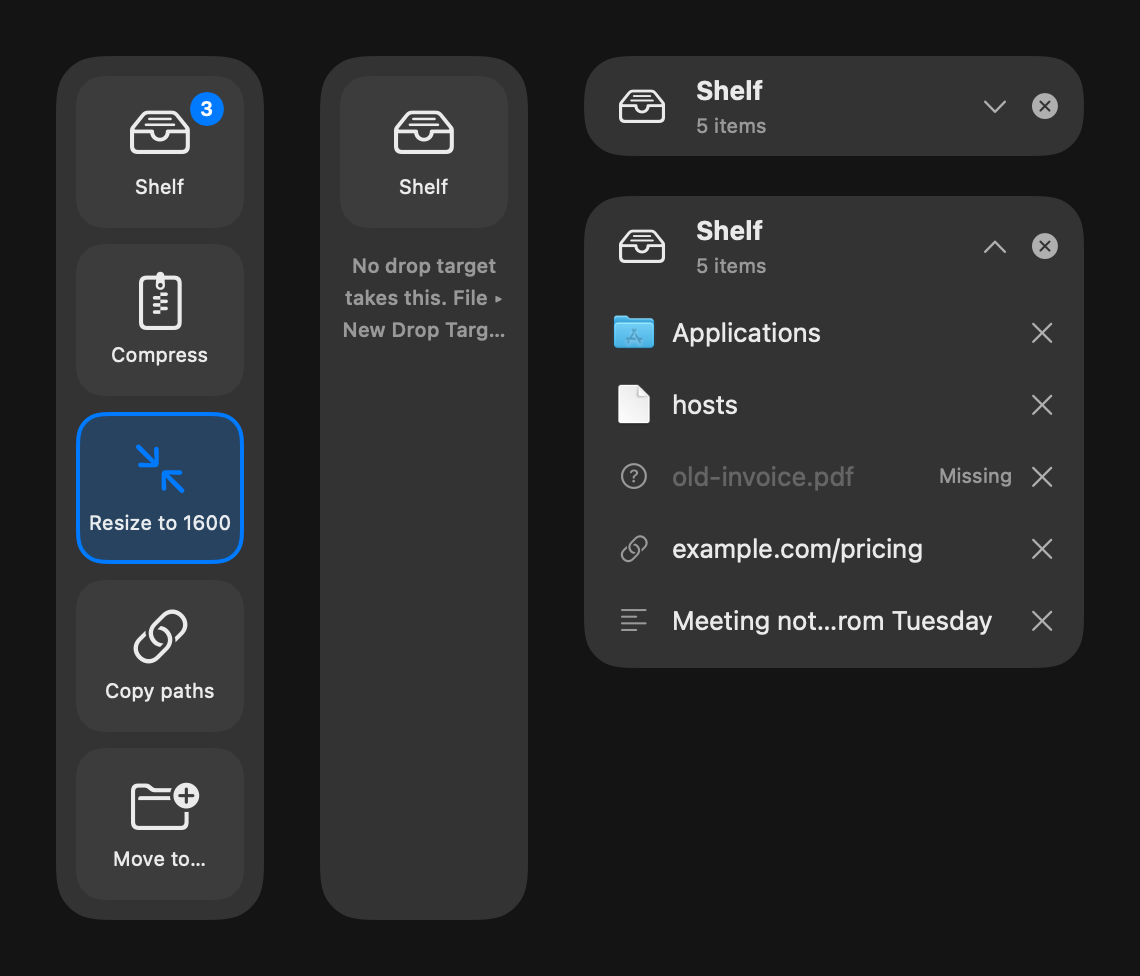
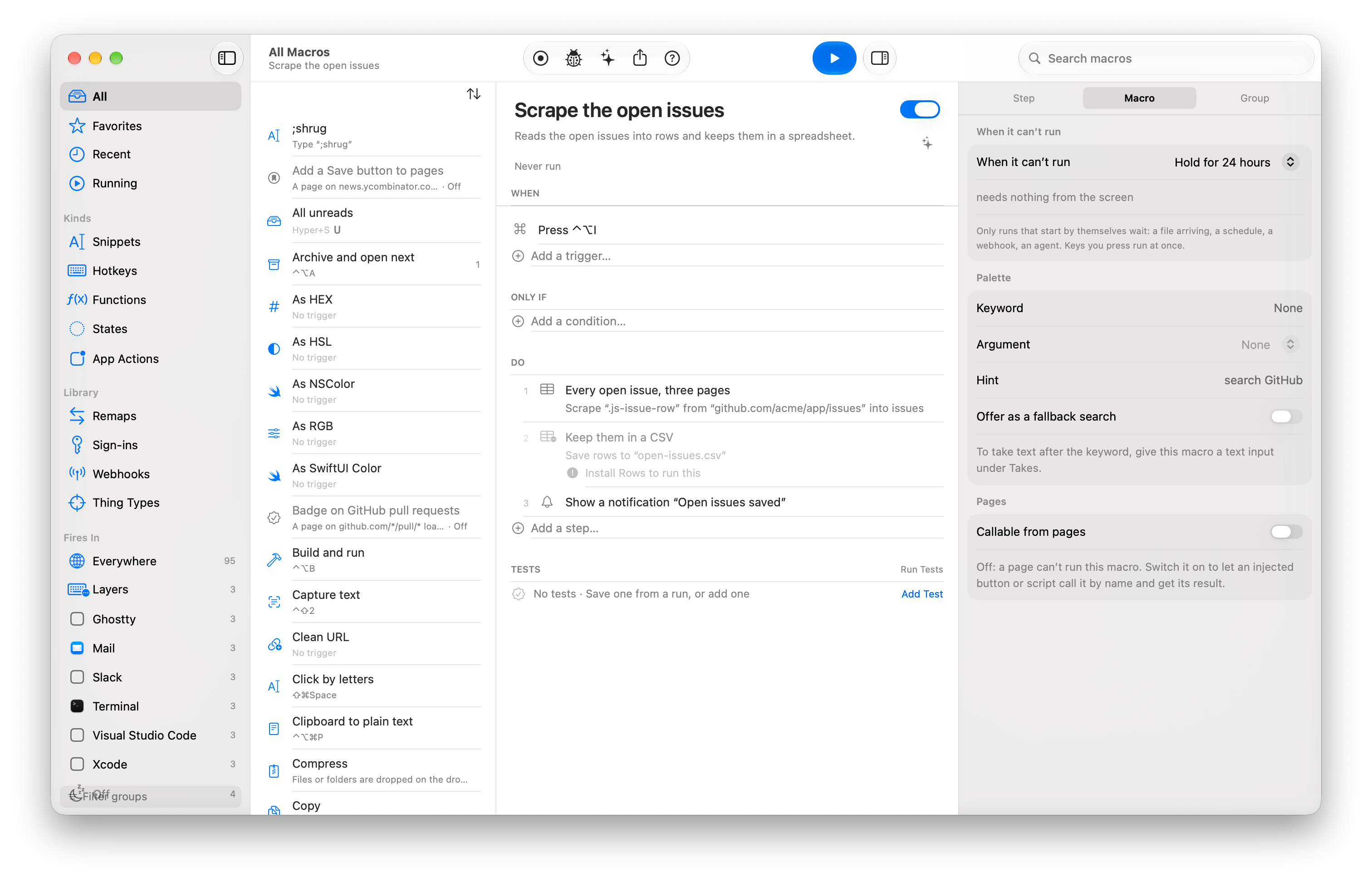
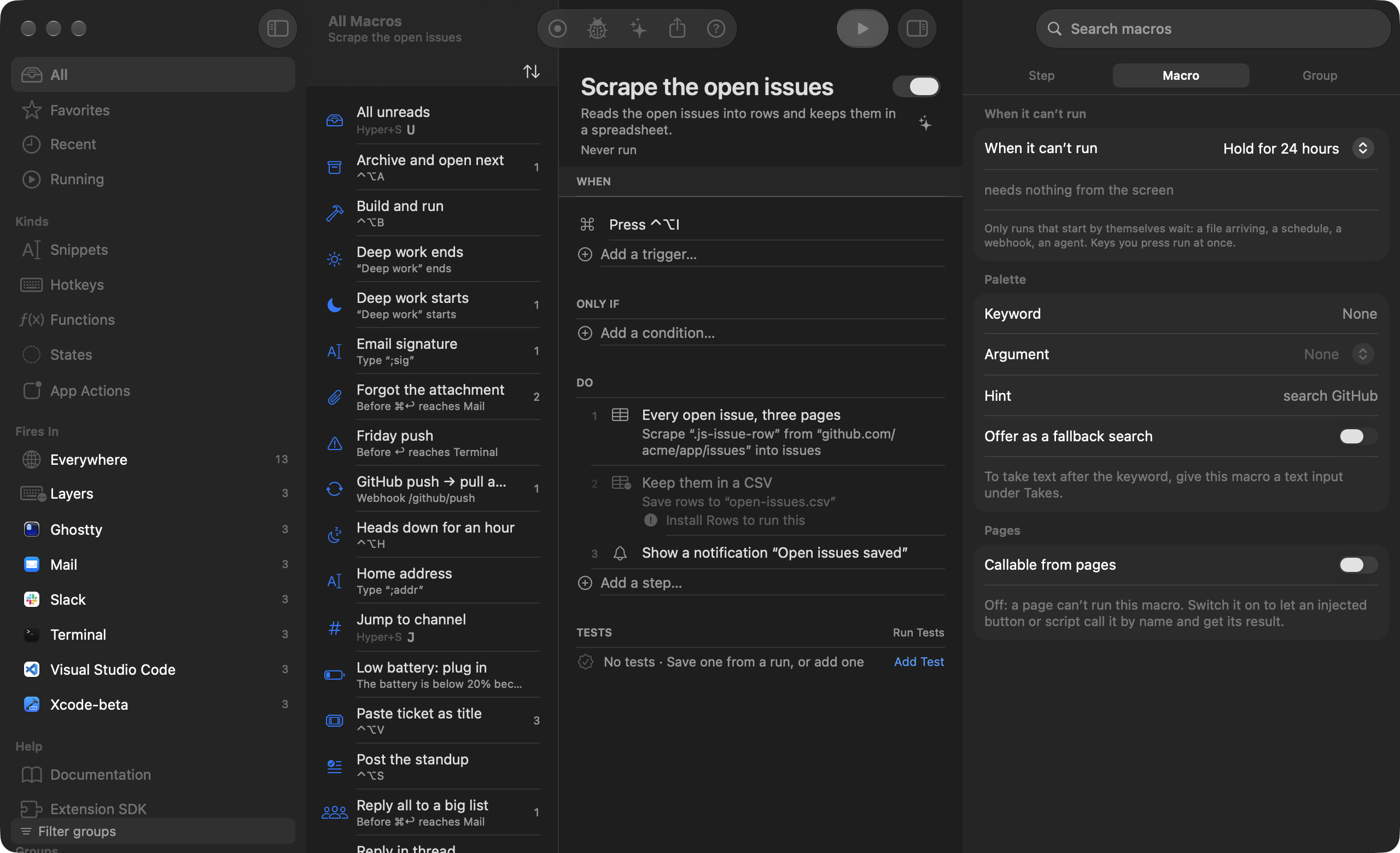
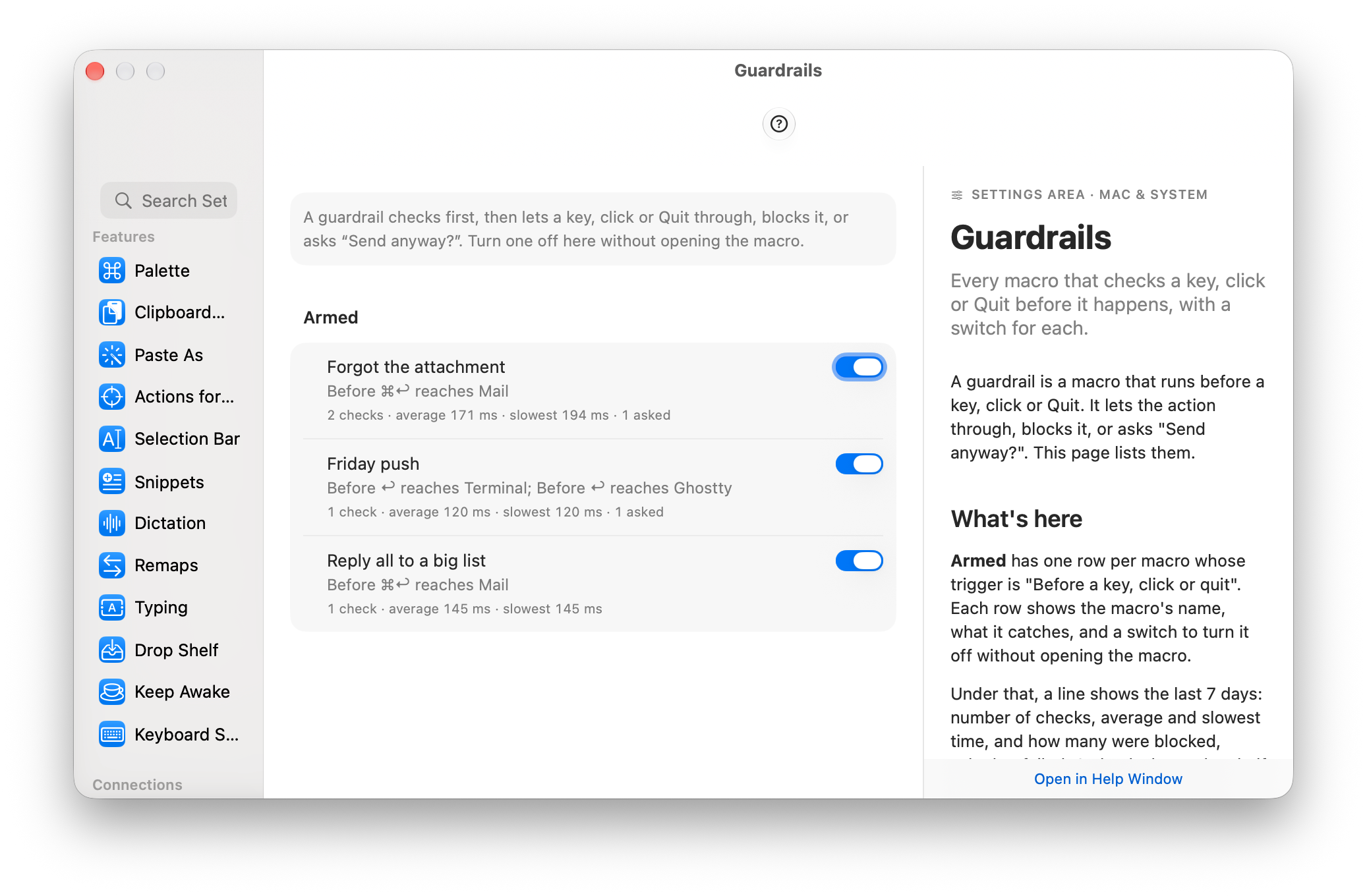
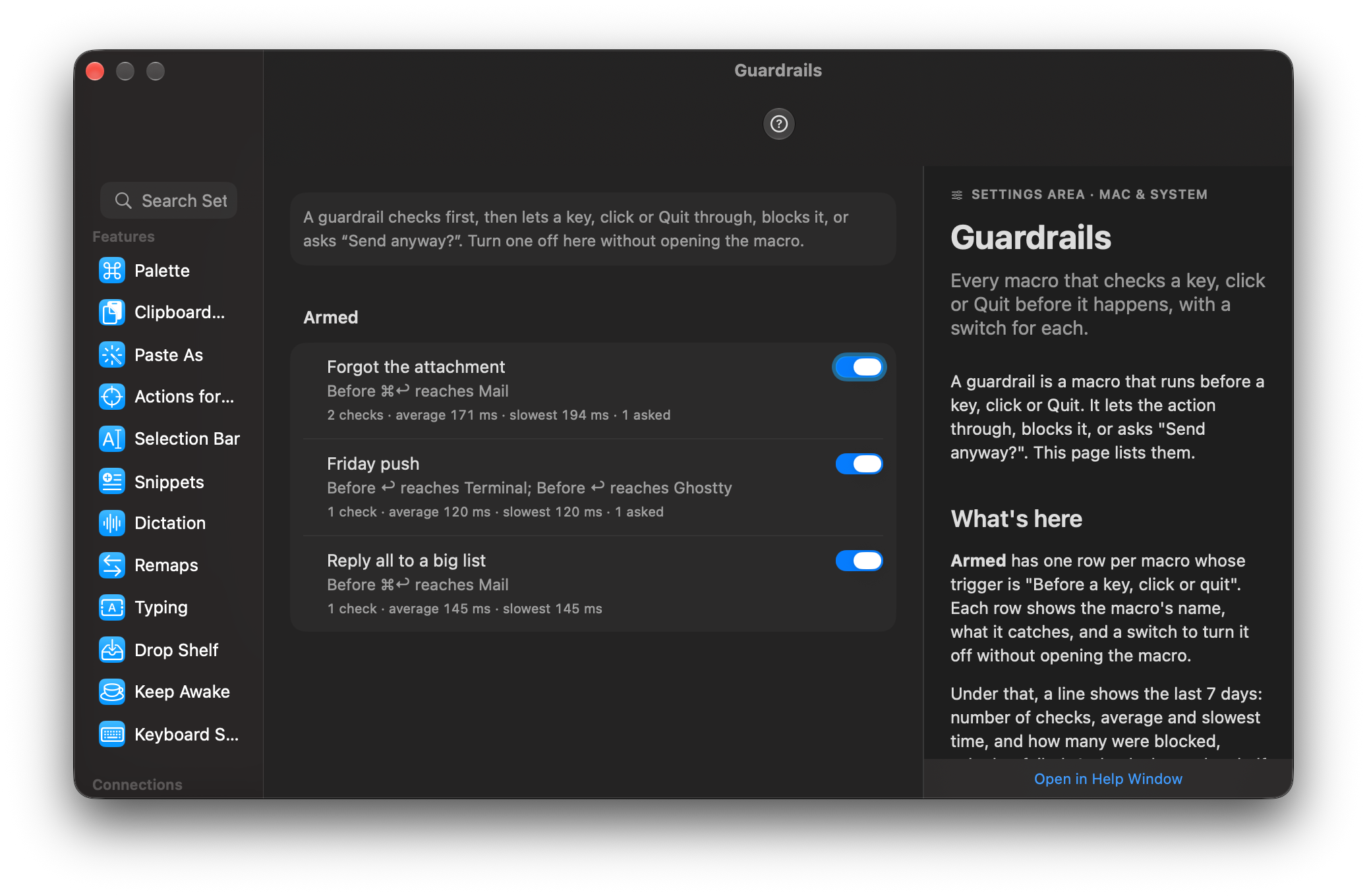
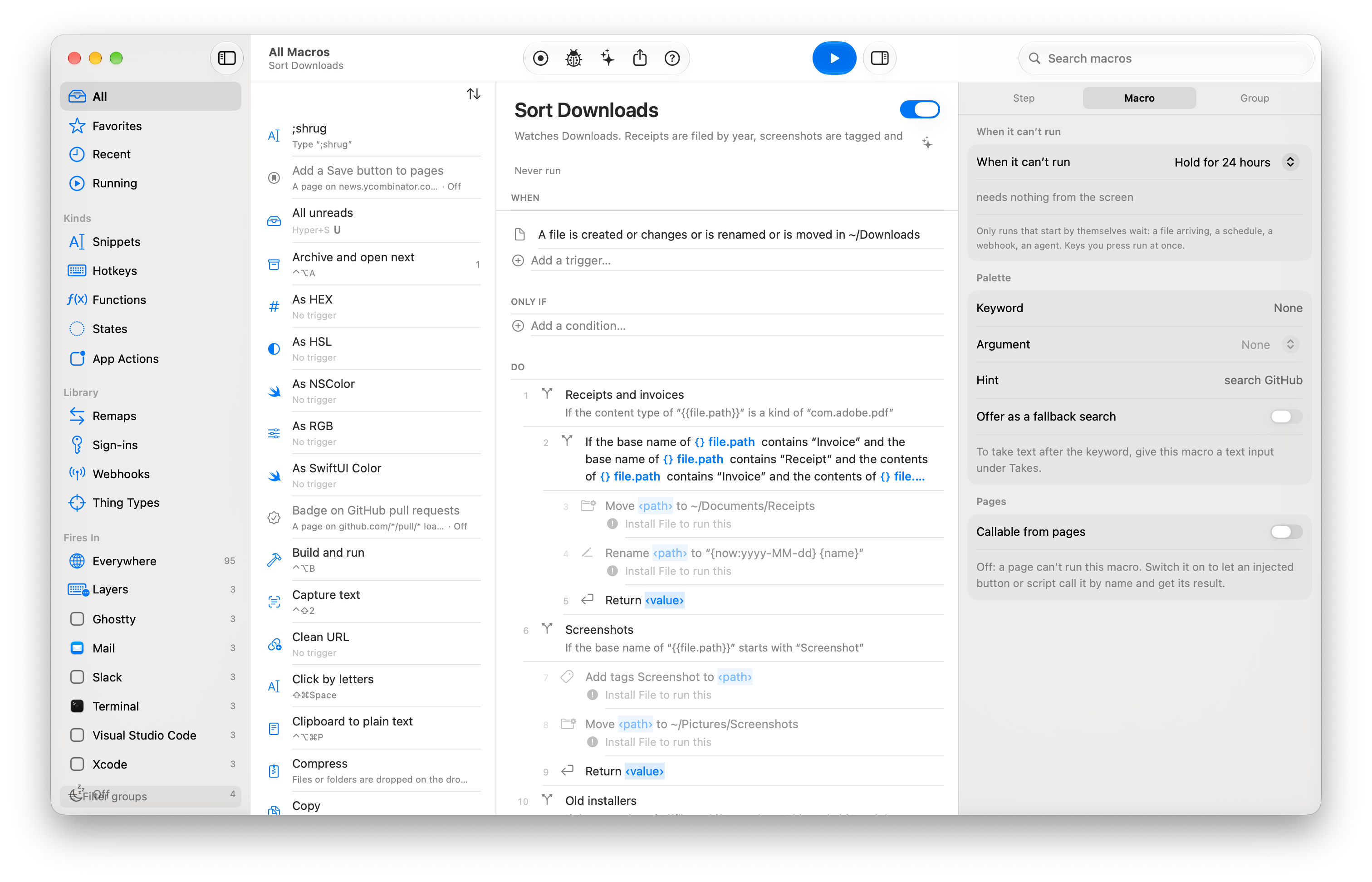
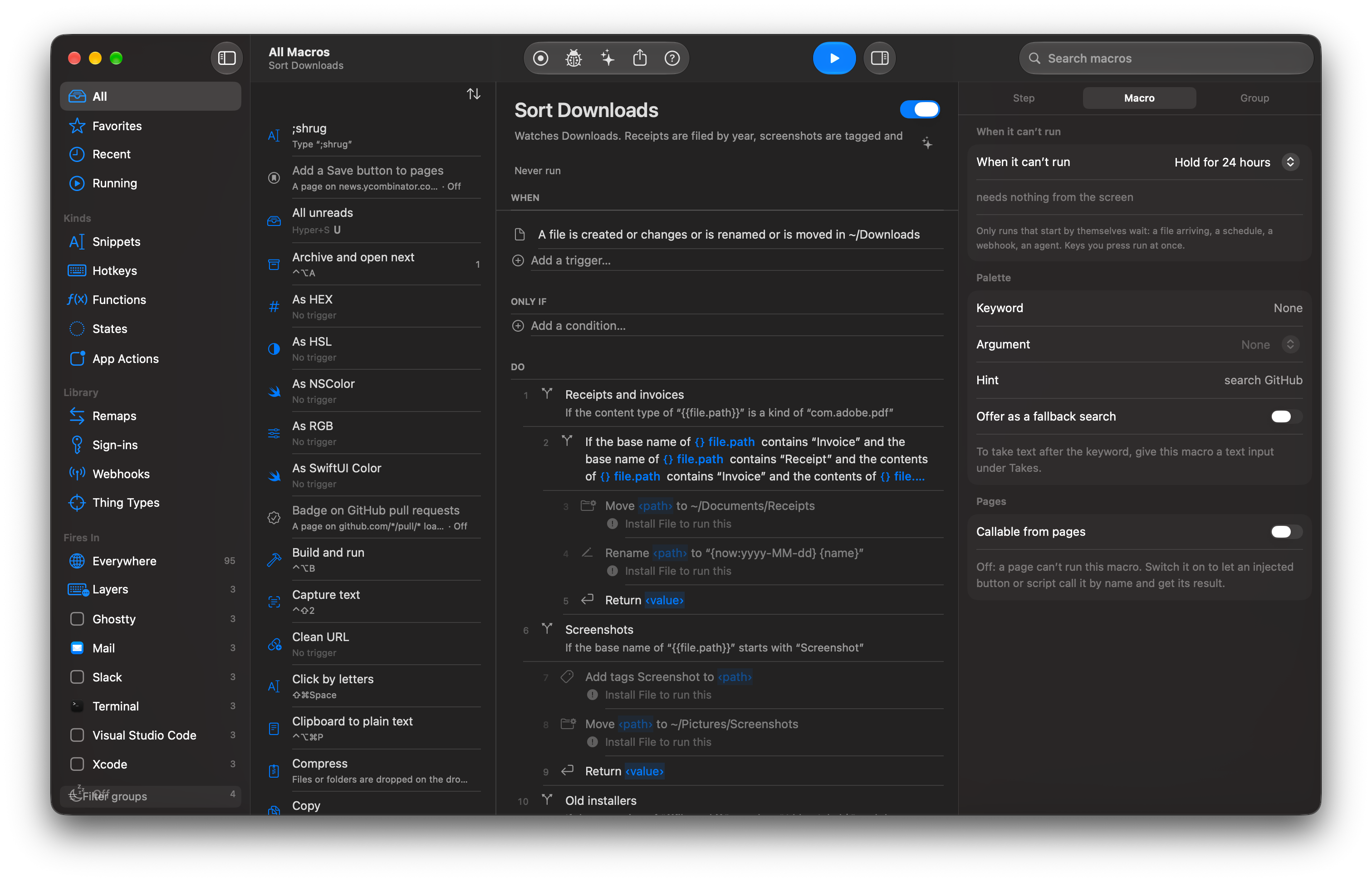
The Switchboard editor with a macro open: its When, Only if and Do rows, the macro list and the inspector Full size · DarkThe inspector of a click step: the element’s role, name and place in the window, the match score and the alternatives Full size · DarkActivity › Not Fired listing the last hotkeys pressed and why each did not run Full size · DarkA run trace with the failed step marked and the failure block: looked for, found, nearest, try, and the actions Fix with AI, Re-record step, Run from Here and What This Step Needs Full size · DarkThe Fix with AI sheet: one sentence about the change, the changed steps, the model and its cost Full size · DarkThe add-step chooser with Apps selected, listing actions from Linear, Things, Day and Fantastical Full size · DarkA macro whose When row is “battery drops below 20%”, named “Low battery: plug in”, open in the editor Full size · DarkThe Approvals window with a pending agent run, the destructive step marked Full size · DarkSettings › Agents with the connect rows for Claude Code, Claude Desktop and Cursor, and the approval default Full size · DarkThe palette open with a query and mixed rows: a macro, an app, a menu command, a quicklink and a calculator answer Full size · DarkThe clipboard history panel with a pinned row, an image row and a search query Full size · DarkThe Make with AI sheet with a sentence typed and the drafted macro shown as When, Only if and Do rows Full size · DarkA macro’s Tests section with “All 2 tests pass” after Run Tests Full size · DarkHistory for a macro with a diff between two versions and a Restore button Full size · DarkThe Import Review sheet for a Keyboard Maestro file listing what comes across and what needs a look Full size · DarkThe Welcome window with the permission rows and the Bring your library step Full size · DarkThe layer HUD listing the keys of the Slack layer while it is live Full size · DarkA prompt form with a text field, a menu, a checkbox and a file field Full size · DarkThe Paste as panel with rows for plain text, Markdown and JSON and a live preview Full size · DarkThe crosshair box drawn over a video frame and the HUD saying four lines were copied Full size · DarkThe dictation pill with a waveform while a key is held Full size · DarkA column of drop targets at the screen edge during a drag, with the Shelf at the bottom Full size · DarkThe editor with a Scrape page step selected: its CSS selector, the column names and a preview of the rows it found Full size · DarkSettings › Guardrails listing the checks that run before a key reaches the app, each with its app and what it asks; the first row is “Forgot the attachment” Full size · DarkThe editor with a watched-folder macro open: Downloads in the When row and labelled rule blocks over move, rename and tag steps Full size · Dark